EasyManua.ls Logo

MICROWELL DRY 300 - User Manual

MICROWELL DRY 300
68 pages
Print Icon
To Next Page IconTo Next Page
Loading...
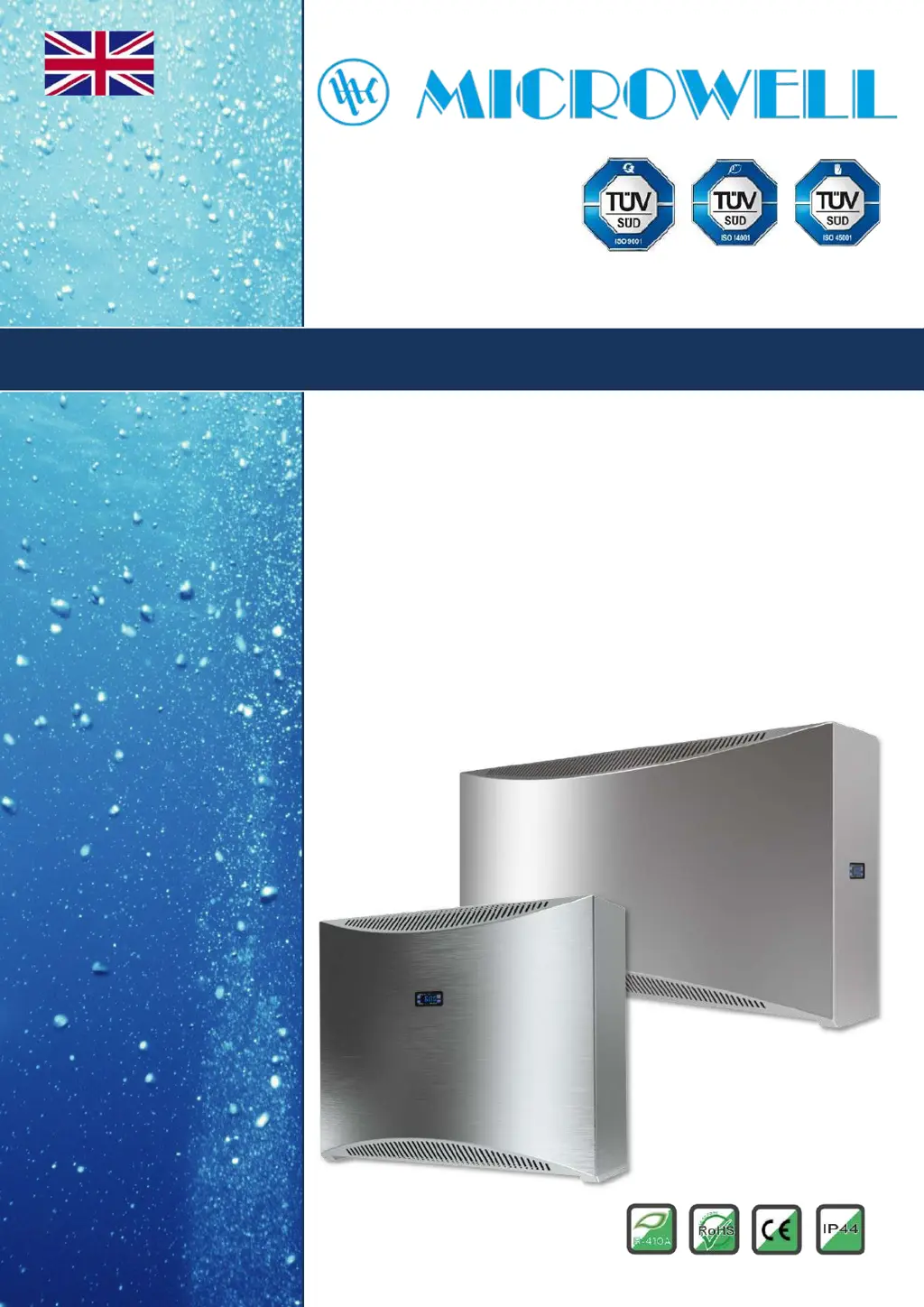
POOL
DEHUMIDIFIER
Installation and user manual
Version: 01/2022
Model: DRY 300 METAL / SILVER
DRY 400 METAL / SILVER
DRY 500 METAL / SILVER

Other manuals for MICROWELL DRY 300

Questions and Answers

  • N
    normacoxAug 9, 2025
    What to do if my MICROWELL DRY 300 doesn't dehumidify?
    • M
      morenochristopherAug 9, 2025
      If your MICROWELL Dehumidifier isn't removing moisture, there could be a few reasons. First, ensure that the humidity setting is lower than the current room humidity. If the fan runs but the dehumidifier doesn't dehumidify, adjust the humidity setting to a lower value. Also, if the compressor starts briefly and then stops, it may indicate issues with electronic components like the compressor thermal fuse, switching relay, time relay, or pressure switch, or a refrigerant leak in the refrigeration circuit. These components should be checked.
  • W
    wcraneAug 25, 2025
    What to do if I see wet walls with my MICROWELL Dehumidifier?
    • C
      Chelsea BerryAug 26, 2025
      If you notice wet walls even with your MICROWELL Dehumidifier running, it might mean that the dehumidifier's capacity is not sufficient for the room size. The suggested solution is to supplement it with another dehumidifier to increase the overall dehumidification capacity.

MICROWELL DRY 300 Specifications

General IconGeneral
BrandMICROWELL
ModelDRY 300
CategoryDehumidifier
LanguageEnglish