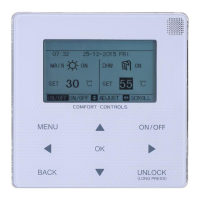
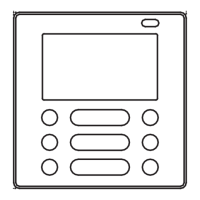
13. Reduce key “ ”
1) Query mode
Press this “ ” key, display the data of the previous page.
If it is now in the first page, press the key “ ” again and the last page will be
displayed.
2) Setting operation mode
① Temperature adjusting method
Press this key “ ”, the setting temperature will decrease one degree.
If you hold down the key “ ”, the setting temperature will decrease one by one.
When reached the lowest allowed set temperature, it can not decrease.
② Timing on or timing off setting method
Press this key “ ”, it will select the next setting time.
If you hold down the key “ ”, the next data will be selected one by one.
When reached the min allowed setting time, it can not decrease.
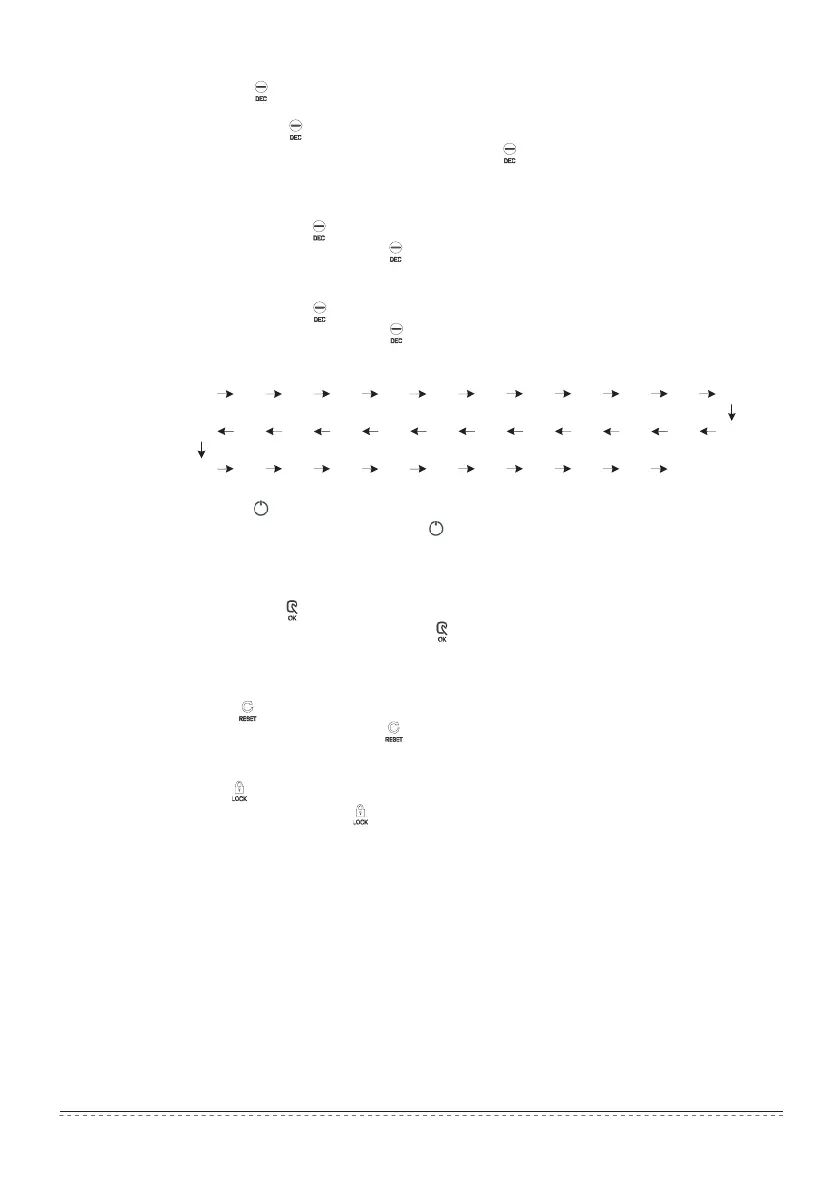
The timing seting change mode is as follow:
14. ON/OFF key “ ”
Any time when you press the key “ ”, the centralized startup/shutdown operation is
performed for all current in-service air conditioners in the centralized controller network.
Detailed operation refers to P12.
15. Confirmation key “ ”
In the setting mode, press the key “ ” to send the currently selected mode status
and the auxiliary function status to the selected air conditioner.
Detailed operation refers to P12.
16. Reset key “ ”
Any time when the reset key “ ” is pressed, the centralized controller will reset. The
result is the same as the result of restoring power-on after power failure.
17. Lock key “ ”
Any time when this key “ ” is pressed, the selected air conditioner can be locked or
unlocked.
Detailed operation refers to P11.
23 20 21 22
7 . 0 8 . 0 8 . 5 9 . 0 9 . 5 10 11 12
13 14 15 16 17 18 19
5 . 0
5 . 5 6 . 0 6 . 5 7 . 5
2 . 5 1 . 5 1 . 0 0 . 5 0 . 0
24
4 . 5 4 . 0 3 . 5 3 . 0 2 . 0
Installation & Owner‘s Manual
17


 To Next Page