6
Switch ON
There are two ways to power the unit:
1. Use 15-pin cable to sound card in computer.
2. Use external adapter: Plug output jack of proper AC adapter into
the DC socket in the rear panel. Then slide power switch to ON.
Notes:
•
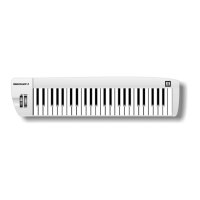
When you play on the keyboard, notes and its velocity message
will be transmitted.
•
Note number corresponding to the most left key is 36.
•
The unit will transmit initial program number
0 to the
equipment connected to
PLGLVWDUW
immediately.



 To Next Page