quickly. The power will automatically shut down when less than 5%.
● The Pianobox mini device's USB port (USB HOST) provides a standard USB 5V 500mA current
output, your mobile phone can act as emergency mobile charger.
● Power supply: Everywhere Micro-USB charging / power supply (mostly the USB interface on
the phone, such as Samsung), pick up your phone charger can charge for our audio / power
supply; If you are using the iPhone do not worry, the annex with Micro-USB interface cable, as
long as this cable into your iPhone's charging head, you can charge / power supply; You can
also connect to any USB port (PC using the Micro-USB interface cable, MAC, mobile power
supply, etc.) on Pianobox mini charging.
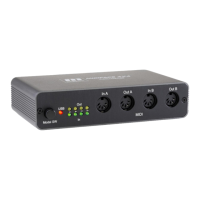
● Interface: 3.5mm TS audio output interface, MIDI input interface, USB HOST Interface (USB
peripherals), Micro-USB charging / power connector.
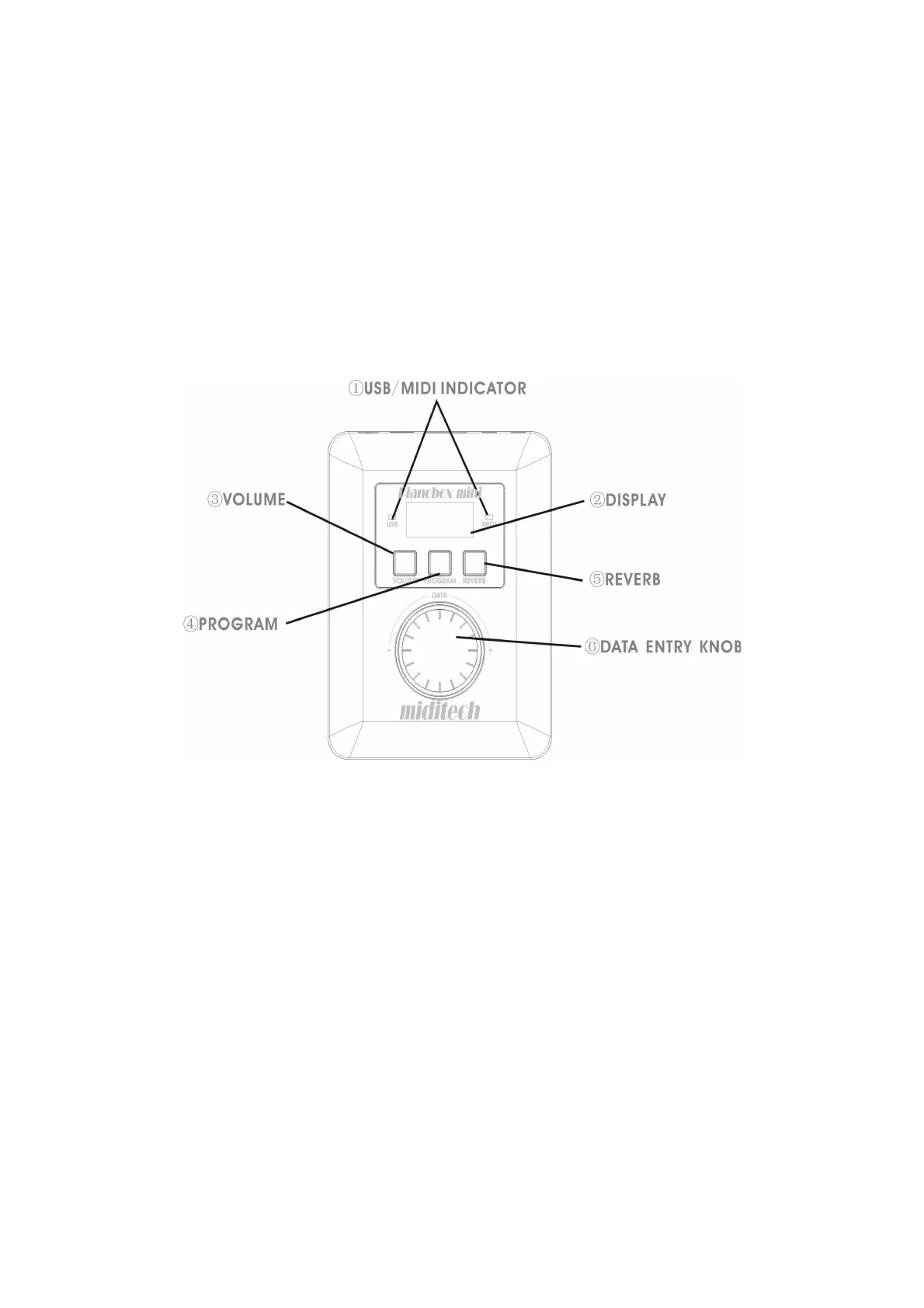
Control and Interface
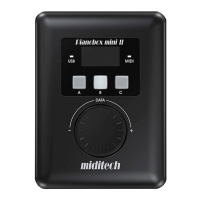
Indicator: Communication between devices circumstances indicate that when there is data ①
transmission indicator flashes.
Display: Display program number, volume value, reverb and other data values and the ②
remaining charge.
Switch to the volume control: When you press this button, the button lights up, adjust the ③
volume through the large knob; display shows the current volume value.
Switch to the timbre adjustment: When you press this button, the button lights up, through the ④
large knob to adjust the tone; display shows the current Voice number.
Switch to the reverb adjustment: When you press this button, the button lights up, adjust the ⑤
size of the reverb through the large knob; display shows the current value of the reverb.
Knob: Used to adjust the Program, Volume and Reverb value.⑥
8



 To Next Page