23
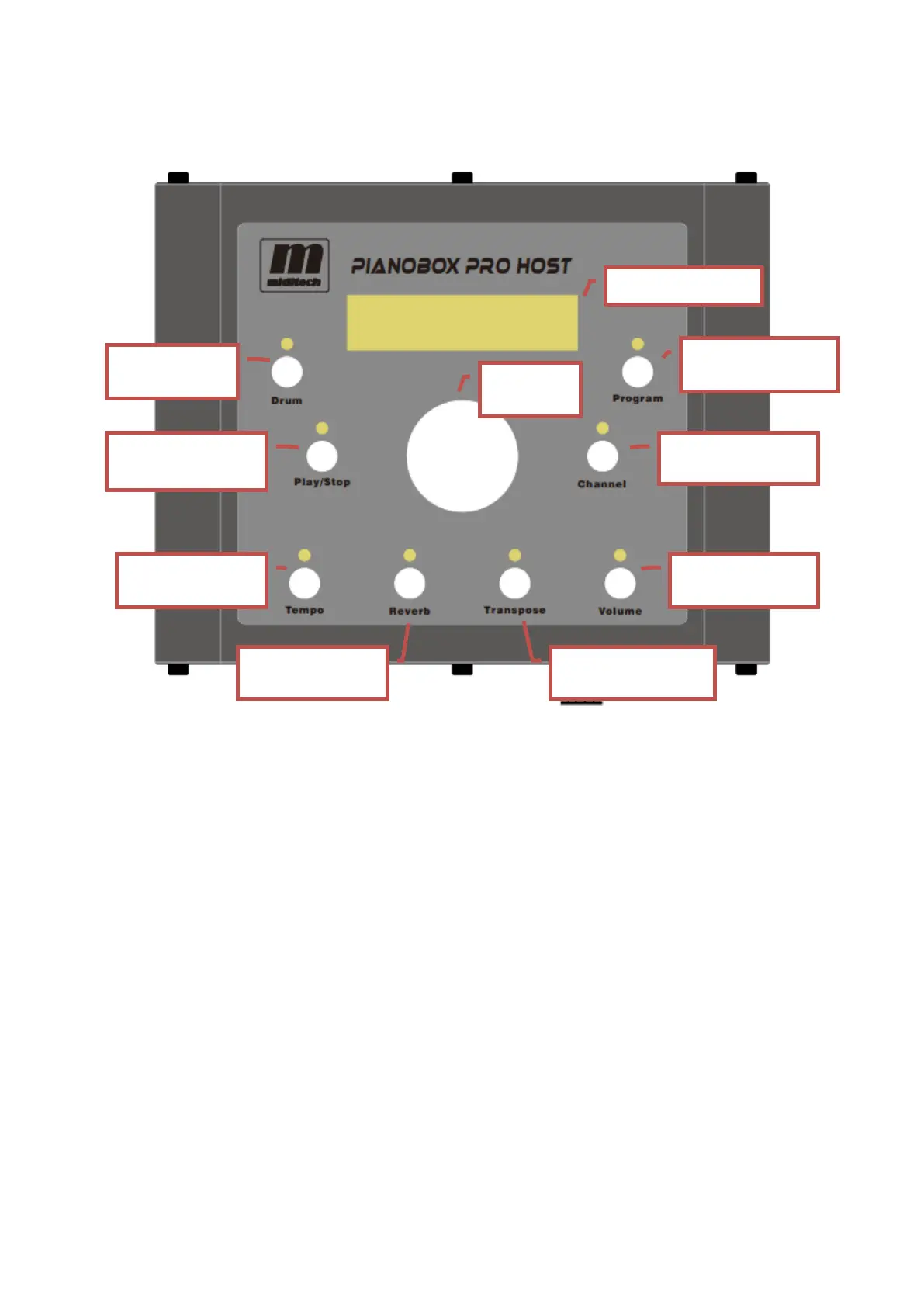
4.3 Overhead panel
5. Button function
5.1 Drum button
Press the [Drum] button, the indicator light will be on, and the drum mode will be
enabled. When the PianoBox Pro Host is in drum mode, the current drum rhythm
demo number can be changed by value knob, and the display screen displays the
current drum rhythm demo number.
5.2 Program button
Press the [Program] button, the indicator light will be on, and the program mode will
be enabled. When the PianoBox Pro Host is in program mode, the program number
of the current midi channel value can be changed by value knob, and the display
screen displays the current program value.


 To Next Page