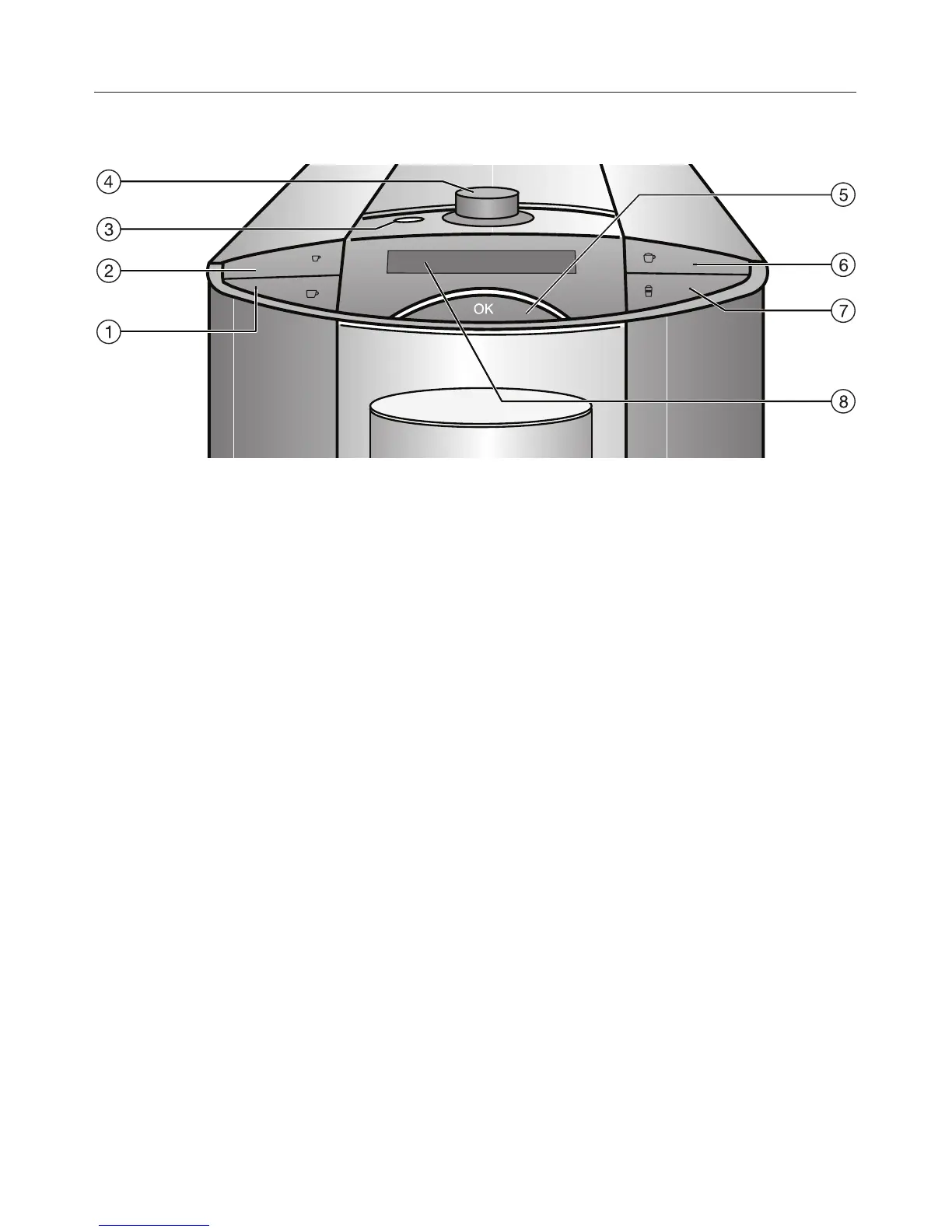
Display and controls
Drink buttons
Press these buttons to prepare the
desired drink.
The symbols mean:
. Espresso b
/ Coffee a
k Latte Macchiato g
H Cappuccino f
To prepare a drink, press the
corresponding button once.
For two portions of a drink, press the
corresponding button briefly twice in
succession.
To specify portion size (programming
amount), hold the drink button down for
more than 3 seconds.
OK button e
With the OK button you confirm display
information and save settings.
Rotary selector d
You can select from the different
menu options using the rotary selector.
On/Off button - c
The On/Off button - turns the coffee
machine on and off (Standby), if the
main switch on the back is turned on.
Display h
The display gives information about
current action or status of the coffee
machine.
Guide to the machine
9










 To Next Page