Hot water
When turned on, the machine will dispense hot
water at any time for tea or other drinks.
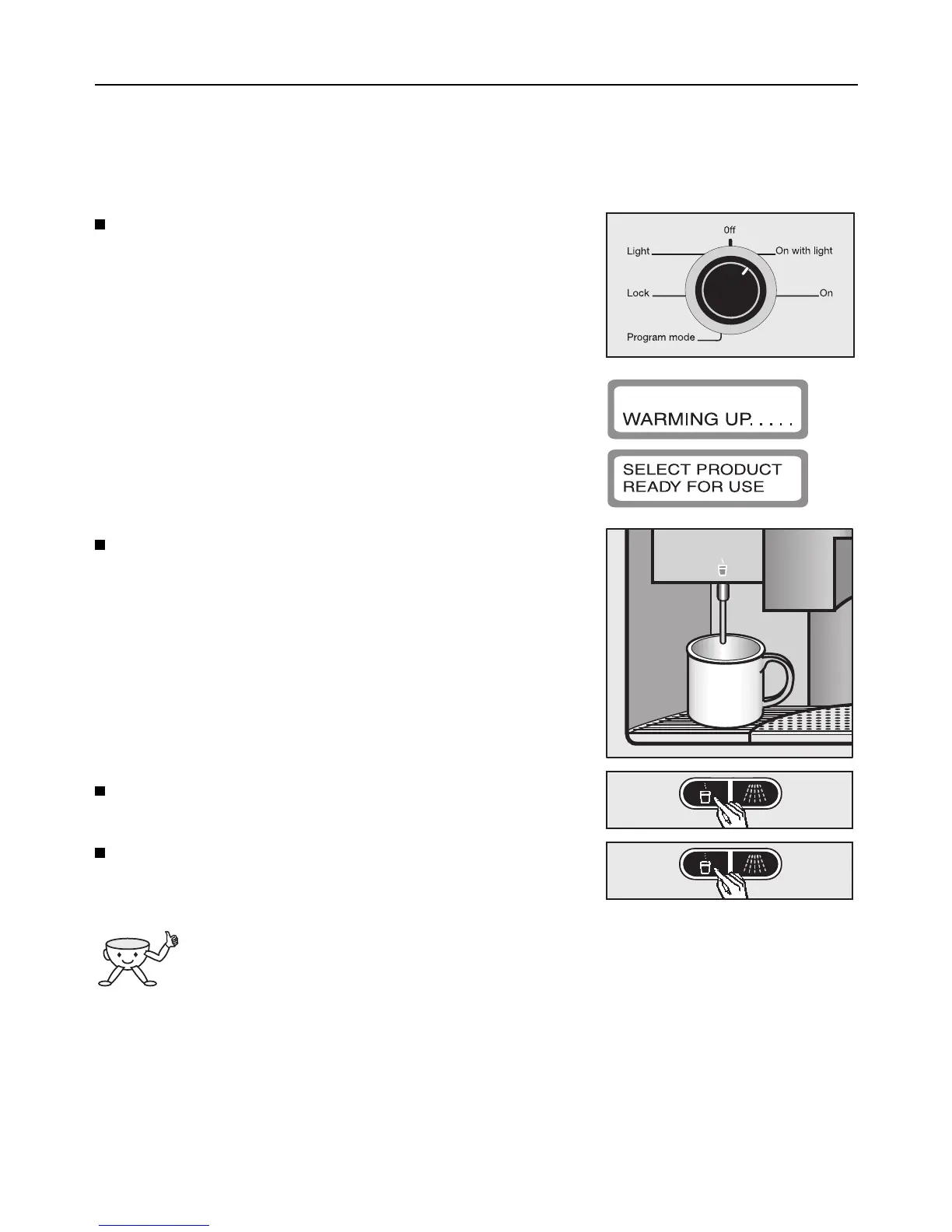
Turn the program selector clockwise to the On po-
sition (with or without lighting).
If the program selector is already in this position
with the message “Standby. . .” shown in the dis-
play window, the machine is in energy-saving mode.
Press ENTER to activate use.
The following will appear in the display window:
Wait until the following appears in the display win-
dow:
Place a suitable container (e.g. a tea cup) under
the hot water spout.
Press the hot water button d.
Hot water will be dispensed . As soon as the con-
tainer is full, press the hot water button d again.
The machine will stop automatically if a
volume has been programmed in for hot
water and feature “Prog. hot water” is acti-
vated.
Making coffee
38



 To Next Page