Settings
49
Language
You can select the language (and coun‐
tr
y variant of that language) for all dis‐
play text.
Tip: If you
select the wrong language
by mistake, you can find the "Lan‐
guage" option by following the flag
symbol .
Time of day
You can set the clock type, time dis‐
play, clock format, and time of day
.
Display (time of day)
You can choose from the following op‐
tions:
– On: The time and date are always
visible in the display when the appli‐
ance is turned off.
– Off: The time and dat
e are not dis‐
played when the appliance is turned
off.
– Night Dimming: The dat
e and time are
displayed from 5:00 am to 11:00 pm.
Depending on the setting selected,
the coffee syst
em may use more ener‐
gy. A message will appear in the dis‐
play to inform you of this.
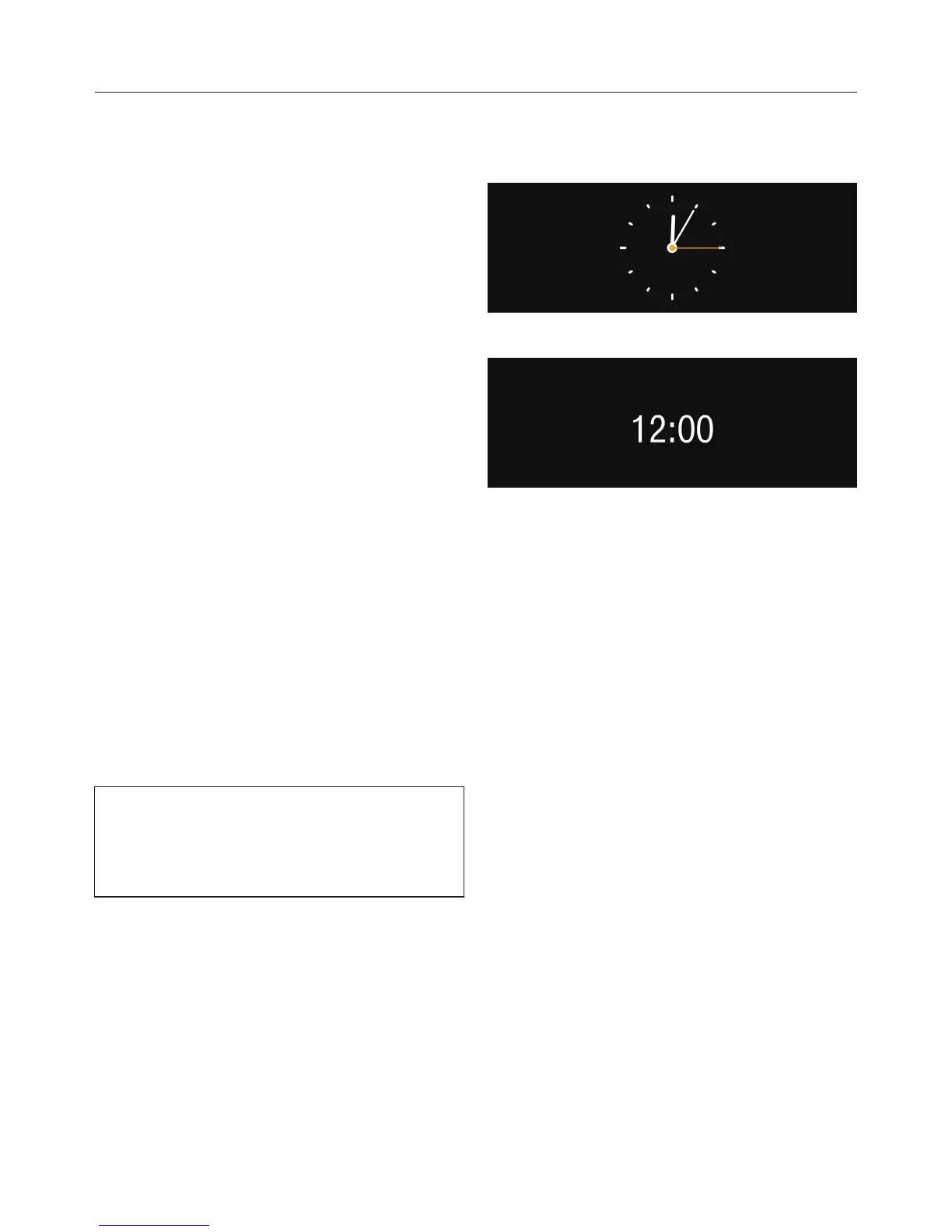
Clock type
You can display the time of day in an
analog or
digital manner.
Clock format
Available options are:
– 24-hour display ( 24 h)
– 12-hour display ( 12 h (am/pm))
Setting
Set the hours and the minutes.
Date
You set the day, month and year.



 To Next Page