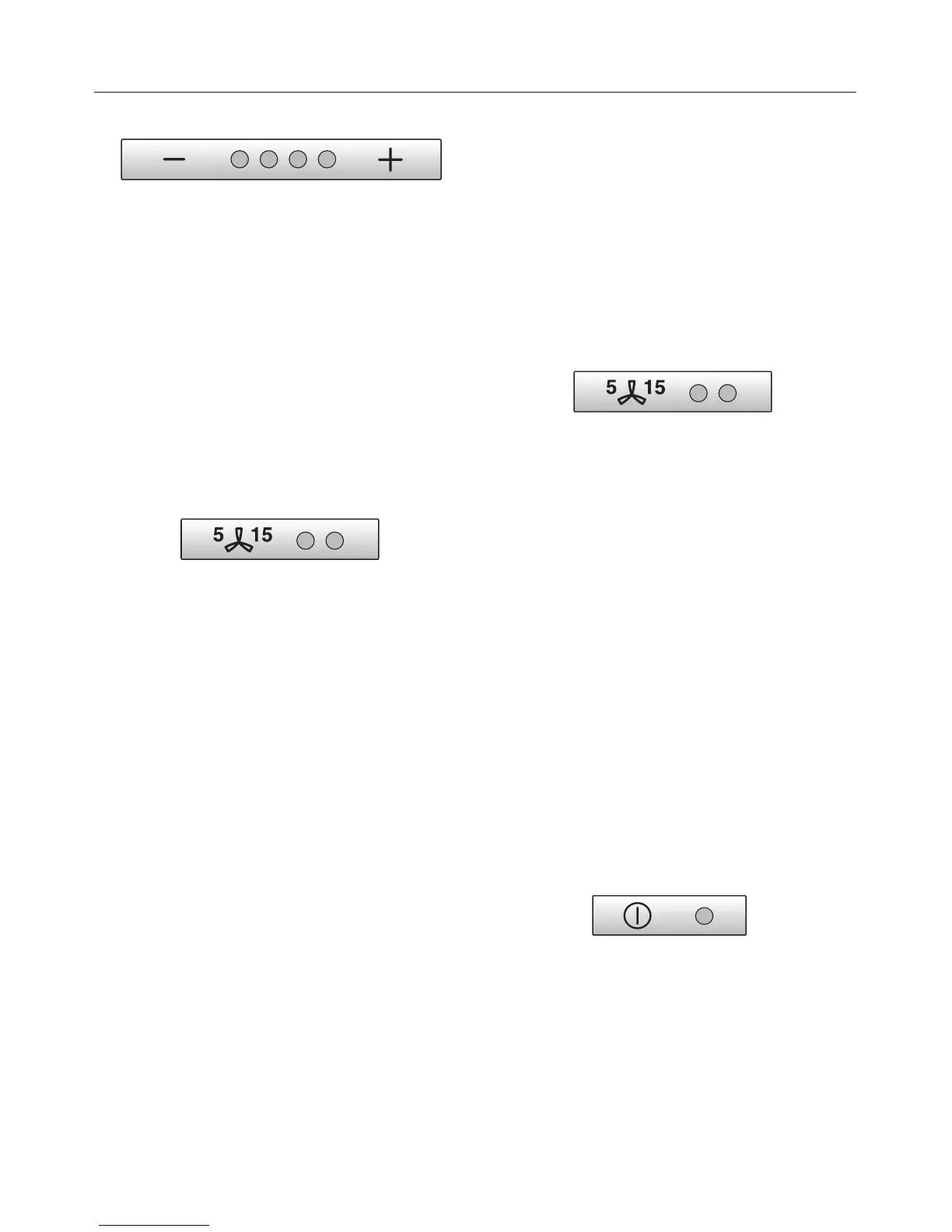
The indicator lamps for fan power levels
I and IV will flash if the automatic
switch-off for the Intensive setting is not
activated.
^
Press the + control to activate
automatic switch-off.
The indicator lights for fan power
levels I and IV will come on.
Press the – control to deactivate
automatic switch-off.
^ Press the run-on option control to
confirm your selection.
^ If you do not confirm your selection
within 4 minutes, the cooker hood will
automatically revert to the "old"
setting.
Run-on option
It is advisable to run the fan for a few
minutes after cooking is finished to
neutralise any lingering odours in the
air.
The fan can be set to switch off
automatically after either 5 or 15
minutes.
^
After cooking has finished, press the
run-on option control whilst the fan is
still running.
– Press once = The fan will switch off
after 5 minutes (left-hand indicator
lamp).
– Press twice = The fan will switch off
after 15 minutes (right-hand indicator
lamp).
To deactivate the run-on option, press
the run-on option contol again. The
appliance does not switch off
automatically.
To switch the fan off
^
Press the On/Off control to switch the
fan off.
The indicator lamp will go out.
Operation
16


 To Next Page