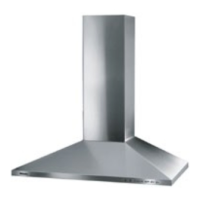
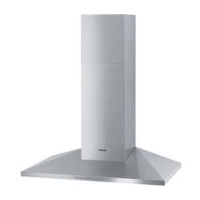
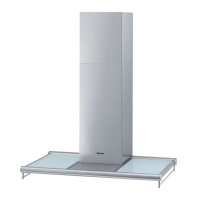
a Covering frame
b Chimney
c Canopy
The canopy opens as soon as the fan is
turned on.
d Indirect lighting
e Control panel
The symbols serve as sensor buttons.
To select a function, touch the sensor
button. A brief tone is heard as
confirmation.
f Direct lighting
g Grease filter
Sensor buttons
h Indirect lighting
i Direct lighting
Use this button to switch the direct
lighting On/Off, and to adjust the
brightness.
The lighting can be used independently
from the fan.
j Fan On/Off
k Fan power selection
l Delayed shut down
This button activates the Delayed Shut
Down feature. The fan can be set to
turn off automatically after 5 or 15
minutes.
m Grease filter
This sensor button will light up when the
grease filter needs to be changed.
This sensor button is also used:
–
to reset the grease filter timer after
cleaning the grease filters (see
"Cleaning and care").
–
to check how long the grease filters
have been in use (see Operation /
Grease filter timer").
–
to change the number of hours
counted by the grease filter timer
(see Operation / Grease filter timer").
Guide to the appliance
9


 To Next Page