Technical Information
4
G 1xxx/G 2xxx
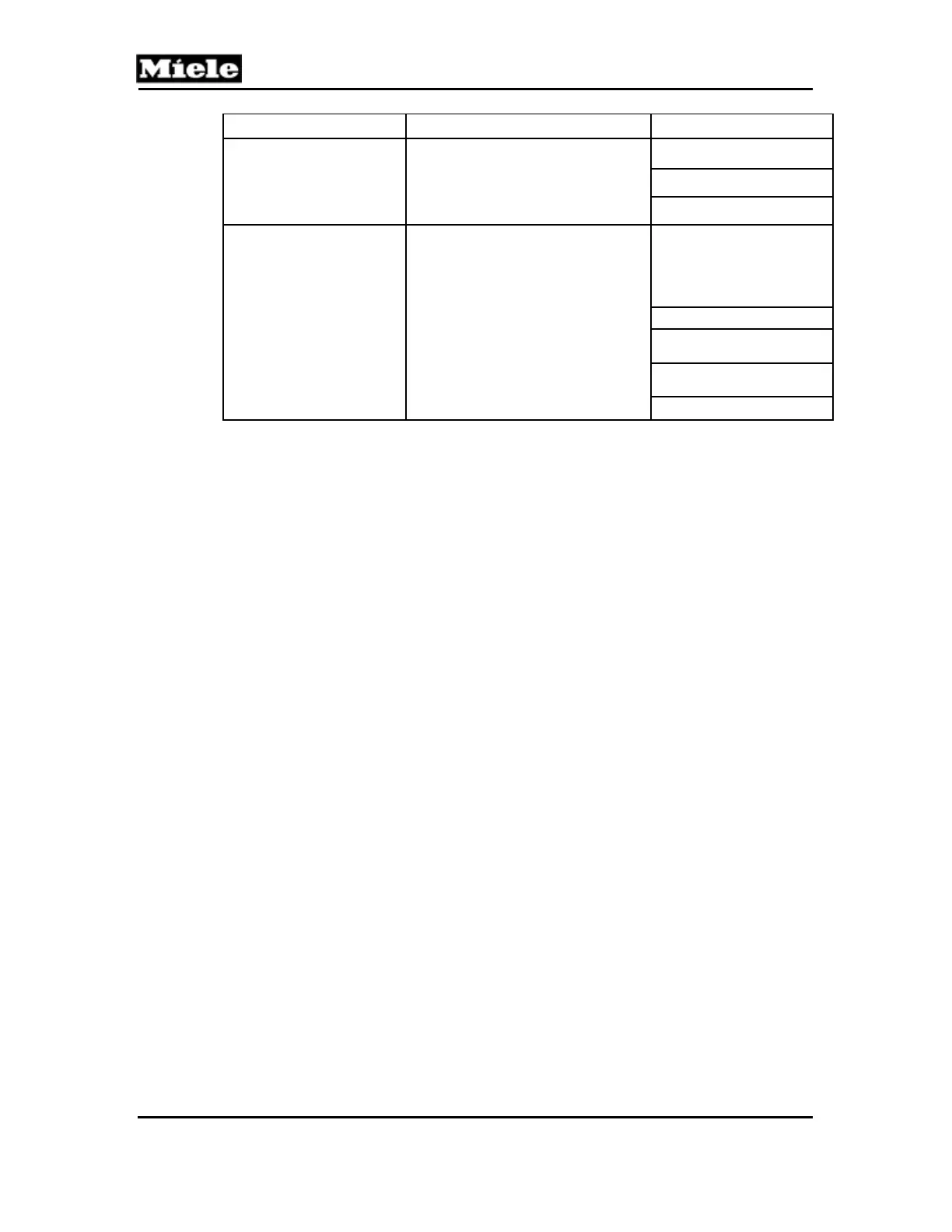
Model Access Procedure Available Options
G 2142/G 2143/G 2120/
G 2140/G 2150
(See Sections 2.7 and 2.8 for
option descriptions.)
1. Press and hold Start/Stop button.
2. Switch on appliance and wait
approx. 4 sec. for "Start/Stop" LED
to light up.
3. Release Start/Stop button.
Water hardness
Rinse aid
Reset standard settings
G 2420/G 243x
(See Section 2.9 for option
descriptions.)
1. Press and hold Start/Stop button.
2. Switch on appliance and wait
approx. 4 sec. for "Start/Stop" LED
to light up.
3. Release Start/Stop button.
Check and set water
hardness (up to ID -1080);
activate/ deactivate
softener sensor, set water
hardness (after ID -1080)
Rinse aid
Adjust Sensor Wash
program (after ID -984)
Check water hardness
(after ID -1080)
Reset standard settings
Table 1: Customer Programming Summary
2 Service Programming
2.1 Inspira and Advanta - G 118x/G 2170/G 218x
Initial requirements:
1. Open the door.
2. Switch off the appliance.
Accessing:
1. Press and hold the Program button.
2. Switch on the appliance.
3. Release the Program button.
4. Immediately press the Program button 5 times; on the 5th time, hold until
the "Rinse & Hold" LED flashes (5 flashes per second).
5. Release the Program button.
6. If the "Rinse & Hold" LED does not light up, repeat the procedure.



 To Next Page
 Loading...