Programming the water
softener
To exit the programming mode at
any time, turn the dishwasher off
with the "O" button.
^ Turn the dishwasher off with "o".
^ Press and hold the "Program" and "g"
buttons simultaneously. Hold the
program button until the lower right
program indicator lights.
If it does not come on, start over.
^ Press the "Program" button twice.
The "Intake/Drain" indicator
The "Intake/Drain" indicators flashes
twice in the display.
The "SaniWash" indicator flashes once
in intervals (factory default).
^ Press the "Program" button for at
least one second, until the
"Intake/Drain" indicator lights up.
The amount set can be recognized by
the flashing rhythm of the "SaniWash"
indicator (see table):
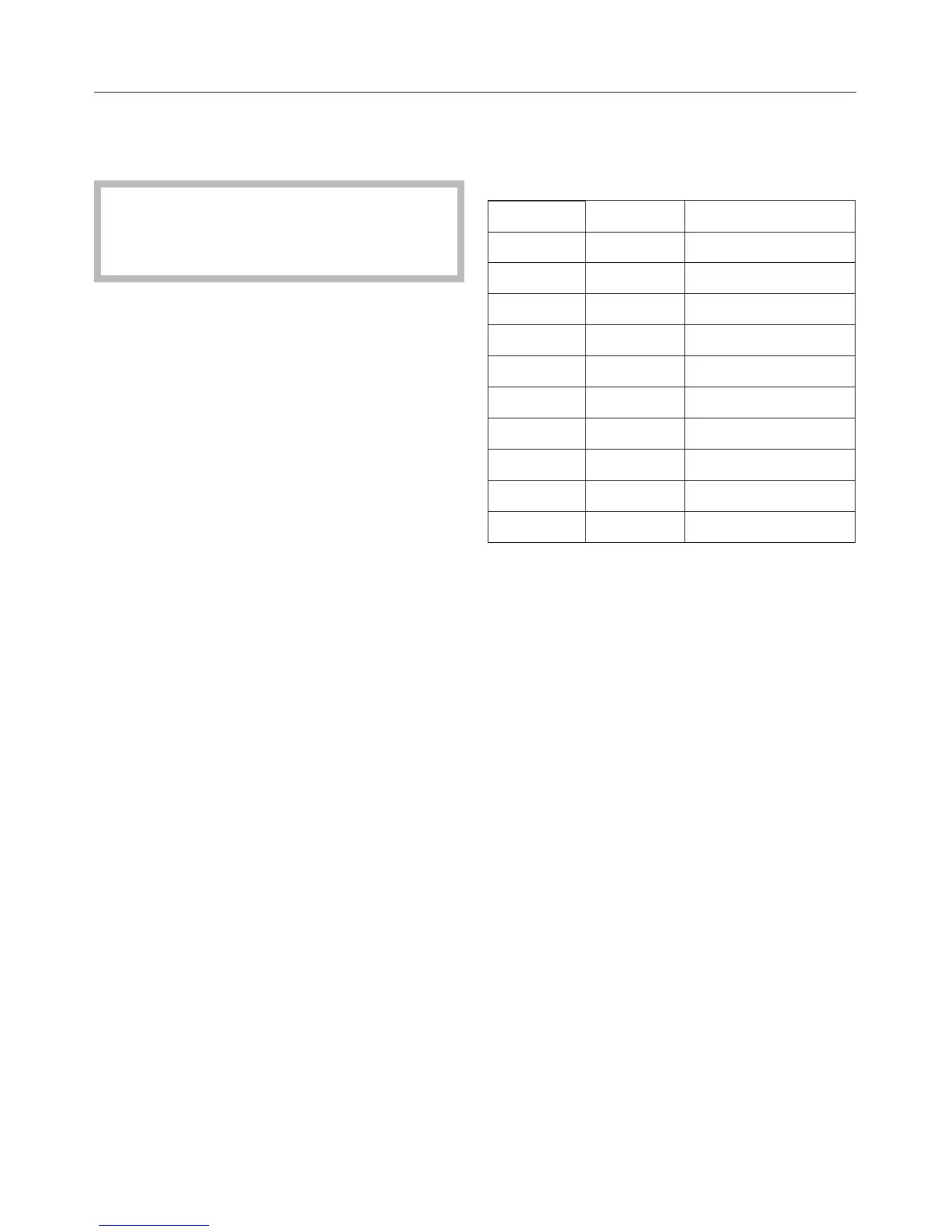
°d gr/gal Flashing rhythm
1 - 4 1 - 4 once
5 - 7 5 - 7 twice
8 - 11 8 - 11 3 times
12 - 15 13 - 16 4 times
16 - 20 17 - 21 5 times
21 - 25 22 - 26 6 times
26 - 30 27 - 31 7 times
31 - 36 32 - 38 8 times
37 - 45 39 - 47 9 times
46 - 70 48 - 73 1 long flash
^ Select the desired setting with the
"Program" button. Every touch of the
button increases the level.
The programmed dosage is saved.
^ Turn the dishwasher off "V".
Checking the programmed water
hardness level
^ Turn the dishwasher off "V".
^ Press the "Program" button, at the
same time turn the dishwasher on "g".
Hold the "Program" button in until the
indicator lights up.
^ Press the "Program" button twice.
The amount set can be recognized by
the flashing rhythm of the "SaniWash"
indicator (see table).
^ Turn the dishwasher off "V".
Before using for the first time
12



 To Next Page