One favourite programme can be
saved in memory. This programme can
be used for your most frequently
cooked recipe. The programme can
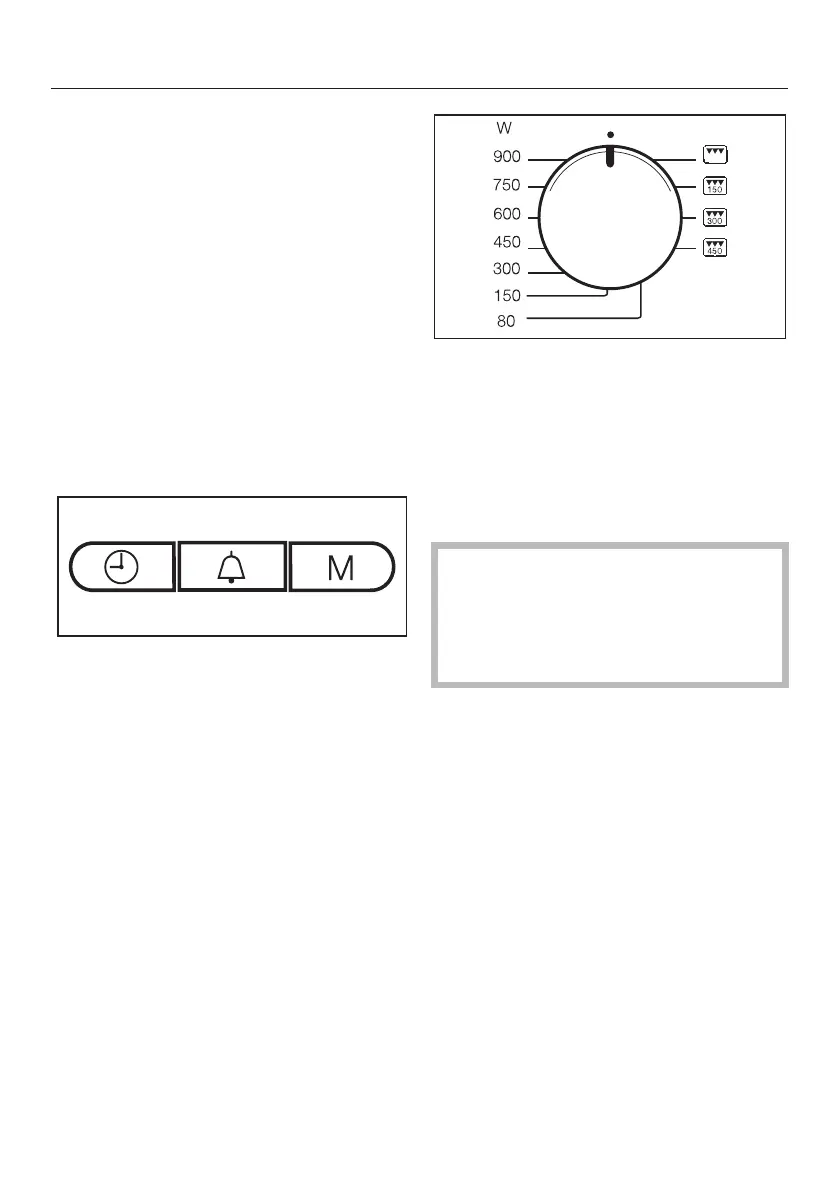
have up to 3 stages (e.g.: 1 minute at
600 W, followed by 2 minutes on Grill,
and finally 3 minutes at 150 W + Grill).
Programming
(The example given is for a 3-stage
programme.)
^
First select the function for the first
stage.
^ Then select the duration.
^ Press the M button.
1 will light up in the display, and 2 will
flash.
^
Then select the second function and
duration.
^
Press the M button again.
2 will light up in the display, and 3 will
flash.
^
Now select the third function and
duration, and then press the M
button.
After this third step, you can use the M
button to scroll through your entry and
check it.
^
When you have finished
programming, turn the power
selector to the 12 o'clock position.
^
Start the programme to save the
entry. Only ever run the entire
programme with food in the
appliance.
If there is no food in the appliance,
press the Stop/C button twice as
soon as you have started the
programme so that the appliance is
not damaged by having no food in it.
1- and 2-stage programmes can be
saved in the same way: the
programming process is finished when
the programme selector is in the 12
o'clock position and the Start button
has been pressed, while pressing the
M button shows the next stage.
Changing an entry
^
Entering a new programme overrides
the previously saved programme.
Saving your favourite programme (Memory)
53



 To Next Page