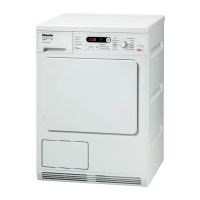
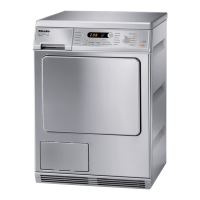
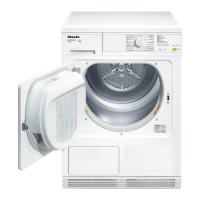
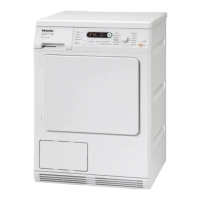
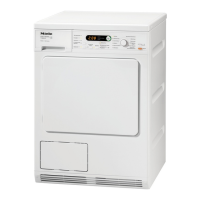
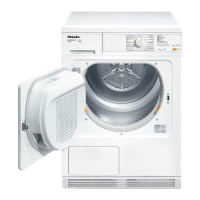
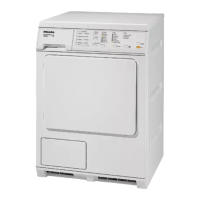
Control panel
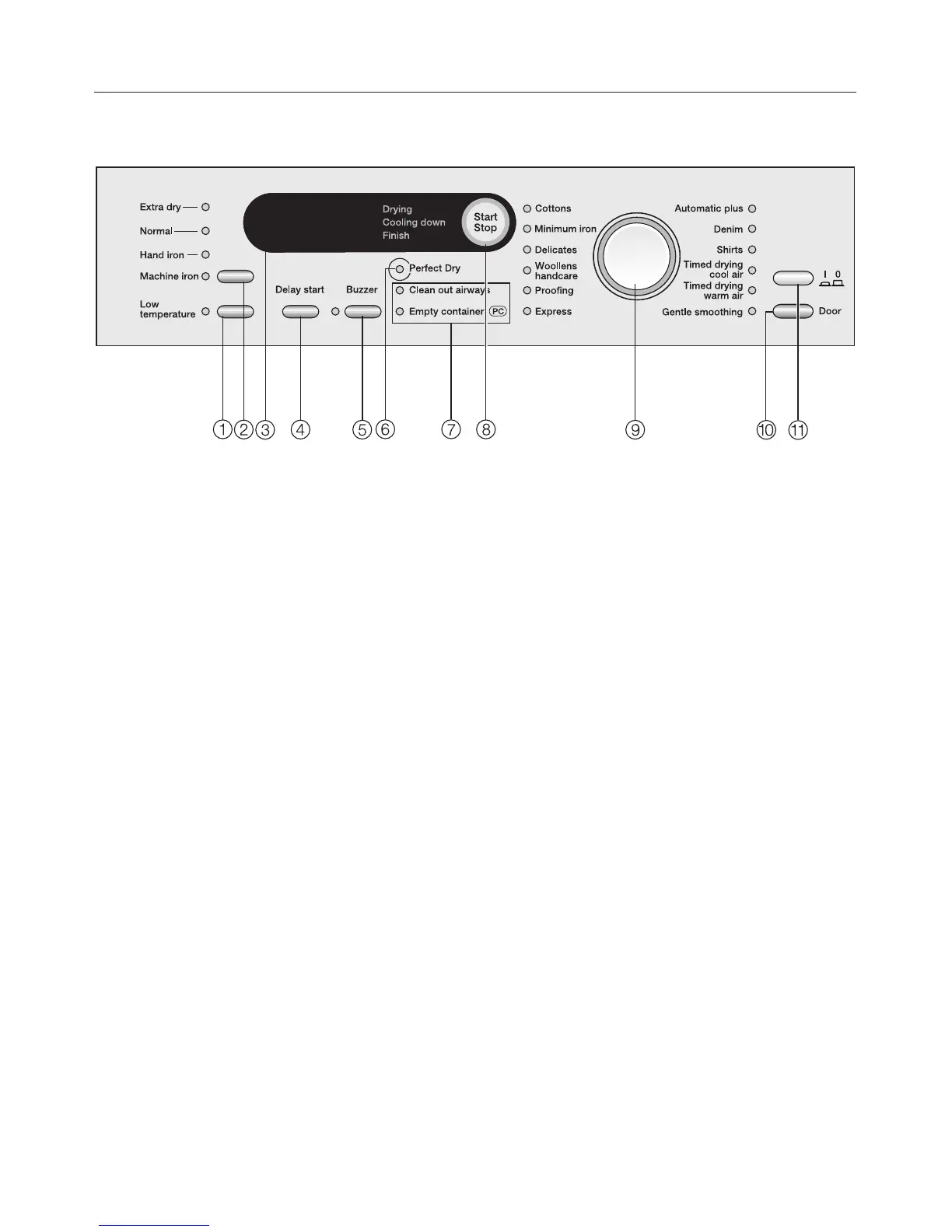
a Low temperature button
Delicate fabrics are dried at a lower
temperature.
b Drying level button
with indicator lights to show the
drying level selected.
c Display
See next page.
d Delay start button
This button is used for:
- Delaying the start of a programme
- Selecting the duration of the timed
drying Warm air and Cool air
programmes
e Buzzer button
An audible tone sounds at the end of
the programme.
f Perfect Dry indicator
For all programmes with a selectable
drying level. See next page.
g Check lights
For a description of these, see
"Problem solving guide" / "After sales
service".
h Start/Stop button
For starting or cancelling a
programme.
The button flashes while a
programme is being selected and
then lights up constantly when the
programme has started.
i Programme selector
with indicator lights to show the
programme selected.
j Door button
Pressing this button will open the
door even when the dryer is
switched off at the mains.
k On/Off button jk
For switching the dryer on and off.
Operating the tumble dryer
14



 To Next Page
 Loading...