Program selection
To select a program
A program can only be selected
when the machine is turned on.
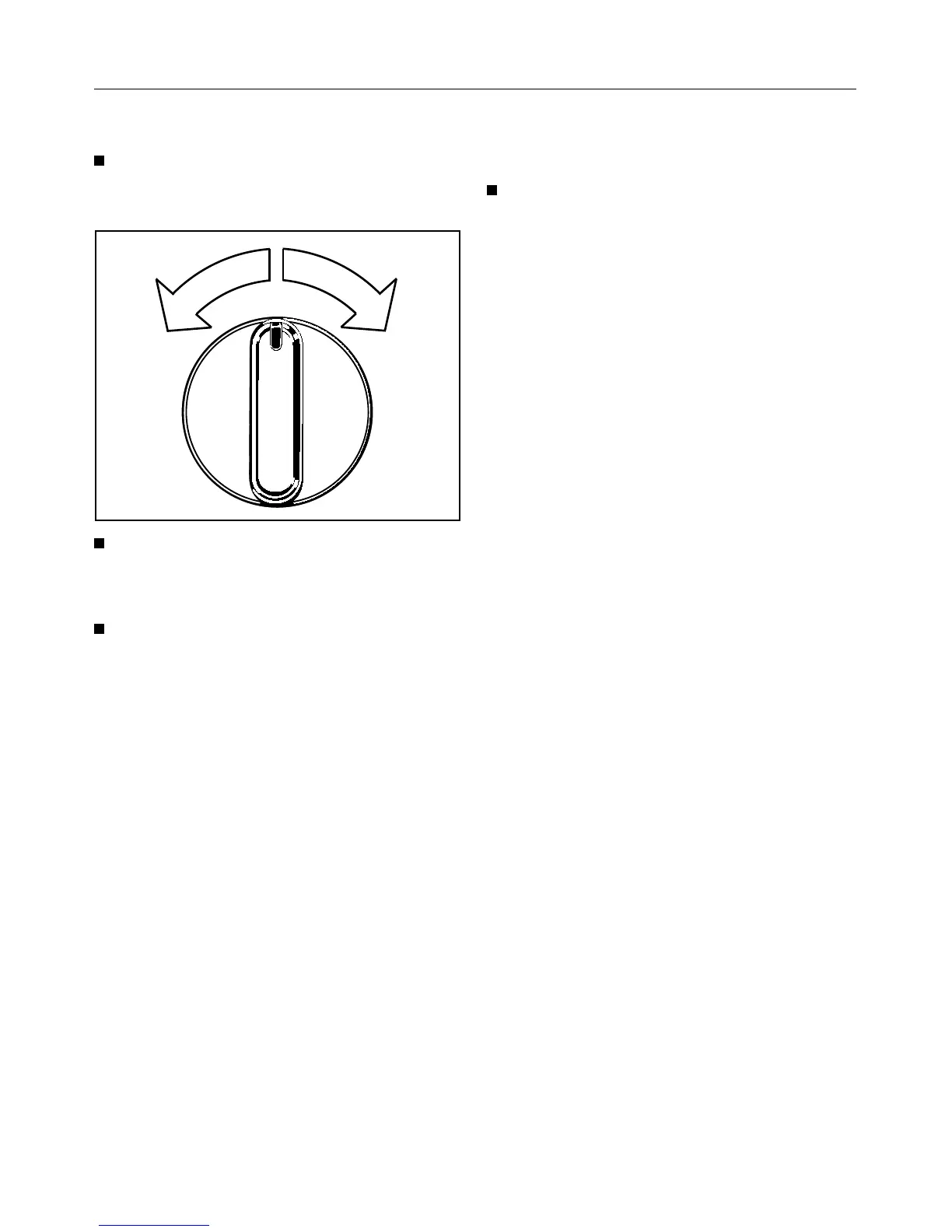
Set the desired program by turning
the program selector either clock-
wise or counterclockwise.
Press the “Start” button.
The program status will be stored for
30 minutes in the event of a power
failure.
The program is cancelled if:
– There is a power failure lasting more
than 30 minutes.
– The program has already reached
the “Cooling down” or “Anti-crease”
stage.
To change a program during
drying:
Set the program selector to the
desired program.
The new program will start from the be-
ginning.
The tables following on the next two
pages list the range of applications for
the different programs.
Correct procedure:
1
Press the “On/Off” button.
2 Press the “Door” button and load the
drum.
3 Close the door with a firm swing - do
not push it shut.
4 Select “Low temp.” and “Buzzer” if
so desired.
5 Select a program.
6 Press the “Start” button.
After the program has finished:
1 Set the program selector
to “Finish”.
2 Remove the laundry.
3
Clean the lint filter.
4 Turn off the machine.
5 Empty the condensed water con-
tainer.
(Omit this step if dryer has been set
up for external drainage of con-
densed water)
11



 To Next Page