Delay start
29
With Delay start you can choose when
you want the programme to start. You
can delay the start of the programme by
30minutes up to a maximum of 24
hours, allowing you to make use of
night-time economy electricity rates, for
example.
Selecting Delay start
Delay start is not possible in the Drain/
Spin and Proofingprogrammes.
Select the programme required.
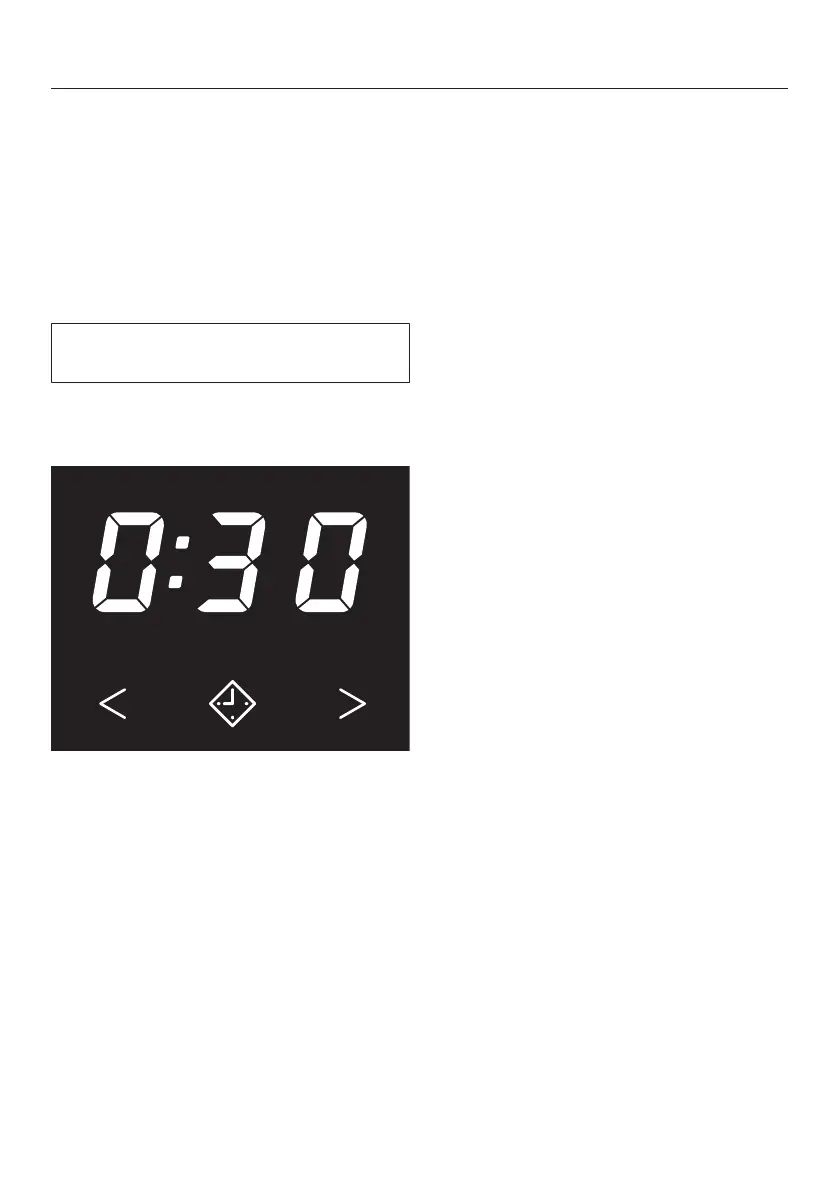
Touch the sensor control.
The sensor control lights up brightly.
Touch the or sensor control re-
peatedly until the required Delay start
time appears on the time display.
– In the case of settings below
10hours, the Delay start time
changes in increments of 30minutes
– In the case of settings above
10hours, the Delay start time
changes in increments of 1hour
Starting Delay start
Touch the flashingStart/Add laundry
sensor control.
The Delay start process starts and
counts down on the time display.
Altering Delay start
Touch the Start/Add laundry sensor
control.
The Delay start process stops.
Touch the or sensor control re-
peatedly until the required Delay start
time appears on the time display.
Touch the flashingStart/Add laundry
sensor control.
Cancelling Delay start
Touch the Start/Add laundry sensor
control.
The Delay start process stops.
Touch the brightly lit sensor con-
trol.
Delay start is cancelled and the
sensor control goes out. The pro-
gramme duration appears on the time
display.
Touch the flashing Start/Add laun-
drysensor control to start the pro-
gramme.


 To Next Page