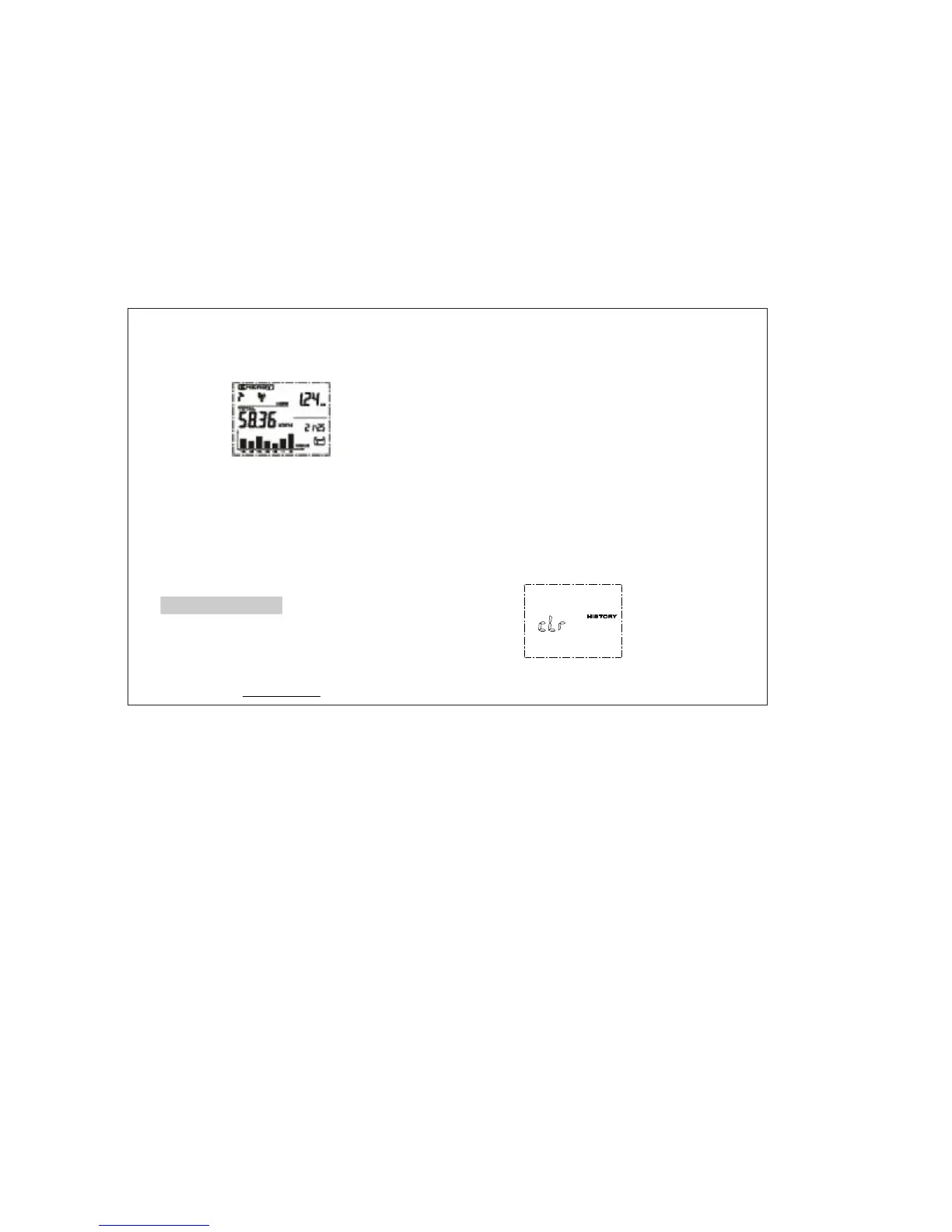
·‘’PressTIME/ALARMbuttonagainwill
backtonormaldisplaywithaleafsymbolin
thescreen.Thealarmisactivated.
Ifalarmstarts,itwillautomaticallyswitchto
thedisplayinterfaceunder,
histogramkeepsflashingwiththebackground
lightand10secondsofthealarmsound.Then
theleaficonwillchangeintoalightbulbicon.
Ifyoudidnotpressanykey,thealarminterface
willremain24hours.
·
‘’ENERGY
HowtoDataClear
Clearthetotalpowerdataofdisplayunit·
Thetotalpowerisstoredinthetransmitter,
removethetransmitterbattery,pressthe
CHECK
CHECK
keyonit,andre-insertthebatteries,
LEDlights.WhentheLEDlightisoff,release
thebutton,thenLEDflashesfivetimes
whichmeansthetotalstoragepowerhasbeen
cleared.
Clearhistoricaldata·
Clearmethod: .PressbothMODEand
HISTORYbuttonfor2secondstoseethe
followinggraphics.Ifyoureleaseoneofthe
key,itwillnotgoontocleanupandreturnto
normaldisplaystateautomatically;
.Ifcontinuetopressbothkeysfor8seconds,
whenyouhear'beep'sound,itwillstart
clearance,thenyoucanreleasethebutton,
clearancewillbedone.
①
②
www.mieo.com
12


 To Next Page