EasyManua.ls Logo

Mifa K3 - Page 6

Mifa K3
10 pages
Print Icon
To Next Page IconTo Next Page
To Previous Page IconTo Previous Page
Loading...
06
True
Wireless
Stereo
(TWS)Function
English
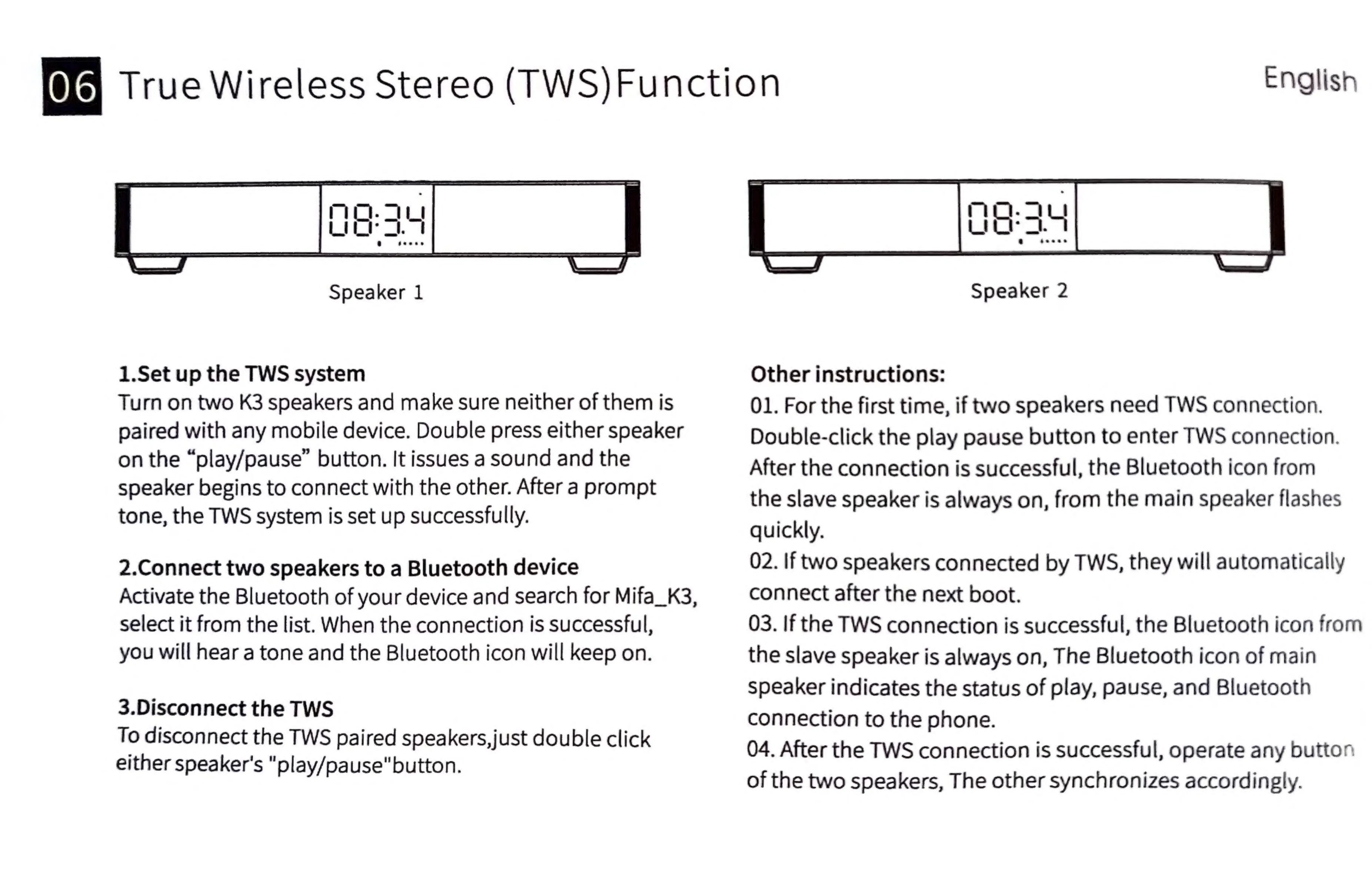
Speaker
1
1.Set
up
the
TWS
system
Turn
on
two
K3
speakers
and
make
sure
neither
of
them
is
paired
with
any
mobile
device.
Double
press
either
speaker
on
the
“play/pause”
button.
It
issues
a
sound
and
the
speaker
begins
to
connect
with
the
other.
After
a
prompt
tone,
the
TWS
system
is
set
up
successfully.
2.Connect
two
speakers
to
a
Bluetooth
device
Activate
the
Bluetooth
of
your
device
and
search
for
Mifa_K3,
select
it
from
the
list.
When
the
connection
is
successful,
you
will
hear
a
tone
and
the
Bluetooth
icon
will
keep
on.
3.Disconnect
the
TWS
To
disconnect
the
TWS
paired
speakers,
just
double
click
either
speaker's
"play/pause"button.
Speaker
2
Other
instructions:
01.
For
the
first
time,
if
two
speakers
need
TWS
connection.
Double-click
the
play
pause
button
to
enter
TWS
connection.
After
the
connection
is
successful,
the
Bluetooth
icon
from
the
slave
speaker
is
always
on,
from
the
main
speaker
flashes
quickly.
02.
If
two
speakers
connected
by
TWS,
they
will
automatically
connect
after
the
next
boot.
03.
If
the
TWS
connection
is
successful,
the
Bluetooth
icon
from
the
slave
speaker
is
always
on,
The
Bluetooth
icon
of
main
speaker
indicates
the
status
of
play,
pause,
and
Bluetooth
connection
to
the
phone.
04.
After
the
TWS
connection
is
successful,
operate
any
button
of
the
two
speakers,
The
other
synchronizes
accordingly.