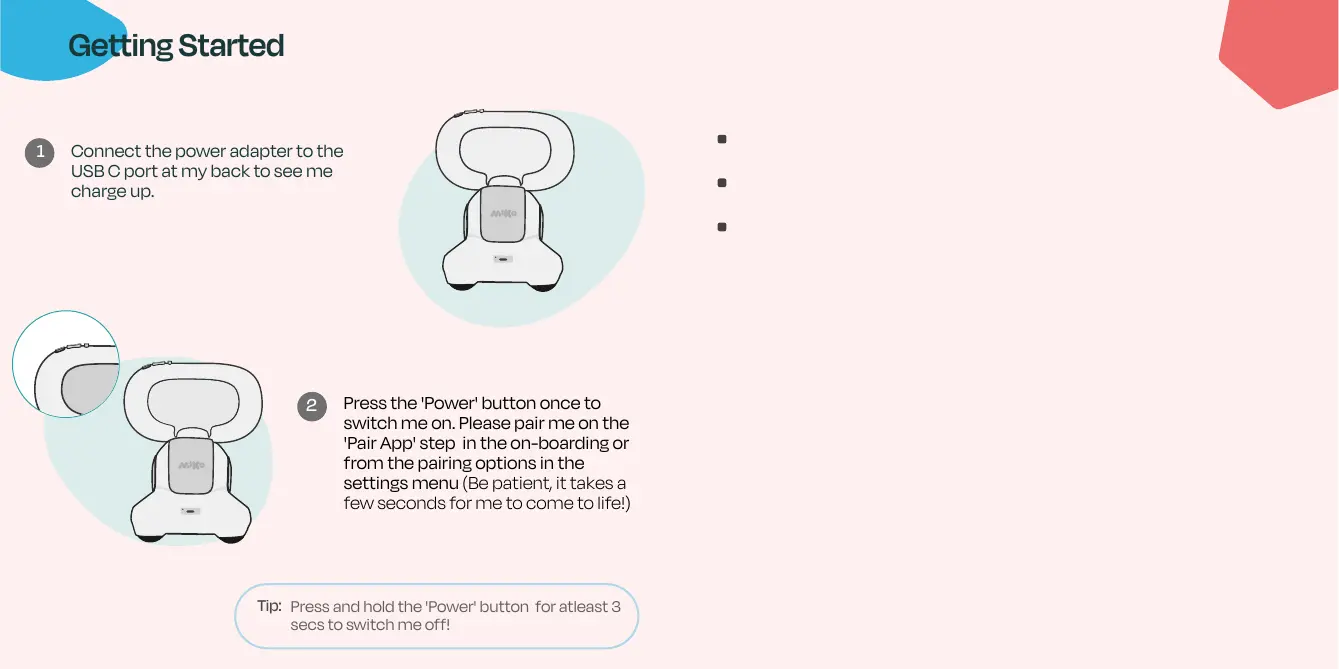
Press the 'Power' button once to
switch me on. Please pair me on the
'Pair App' step in the on-boarding or
from the pairing options in the
settings menu (Be patient, it takes a
few seconds for me to come to life!)
Getting Started
Connect the power adapter to the
USB C port at my back to see me
charge up.
Press and hold the 'Power' button for atleast 3
secs to switch me off!
1
2
Tip:
Troubleshooting
Make sure Miko 3 is connected to a strong and stable WiFi
Make sure your Miko 3 is adequately charged
Still having trouble? Visit the Miko 3 parent app for support
and other information


 To Next Page