7
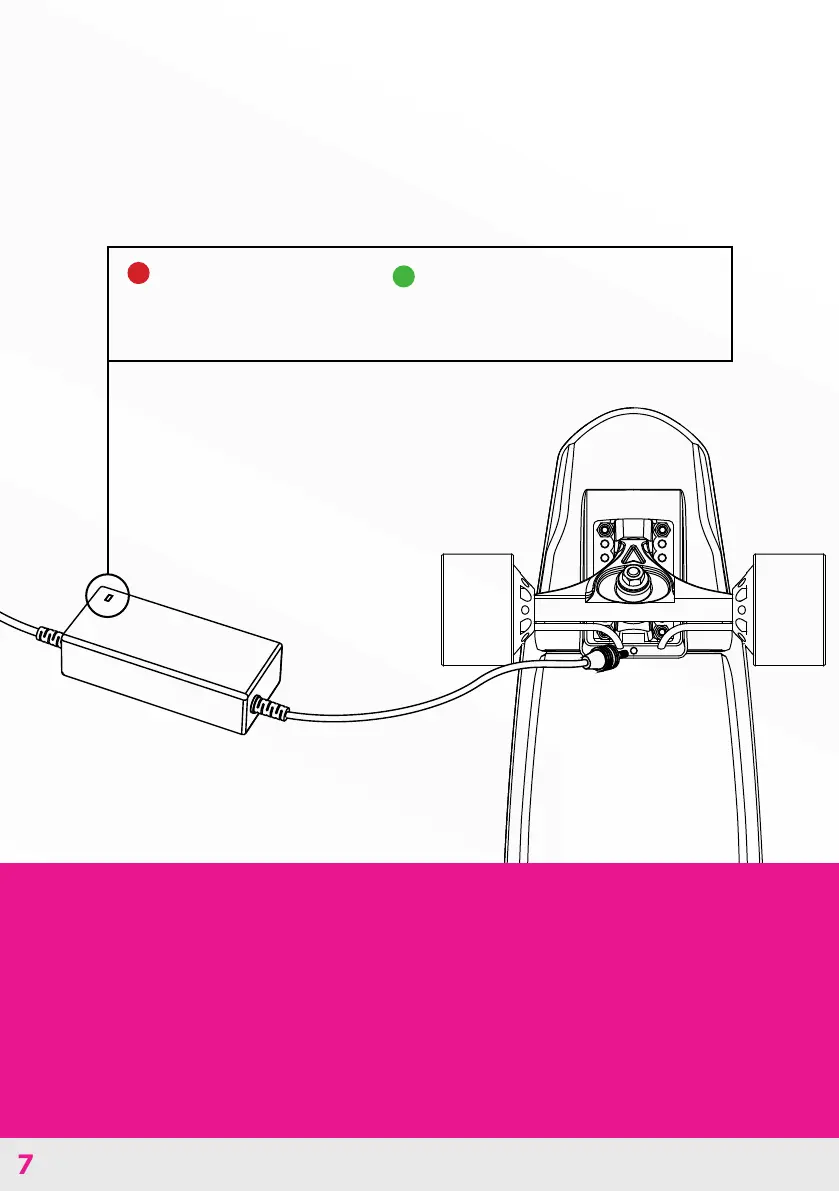
Charge the Miles board battery by plugging the AC
adapter into the port.
When the battery
indicator shows red,
the board is charging.
When the battery indicator
turns green, the Miles board is
fully charged.
CHARGE THE BATTERY
Battery Charging Information
Make sure to examine the supplied charger for damage to the
cord, plug, enclosure, and other parts on a regular basis. In the
event of such damage, do not charge the skateboard until the
charger has been repaired or replaced.



 To Next Page