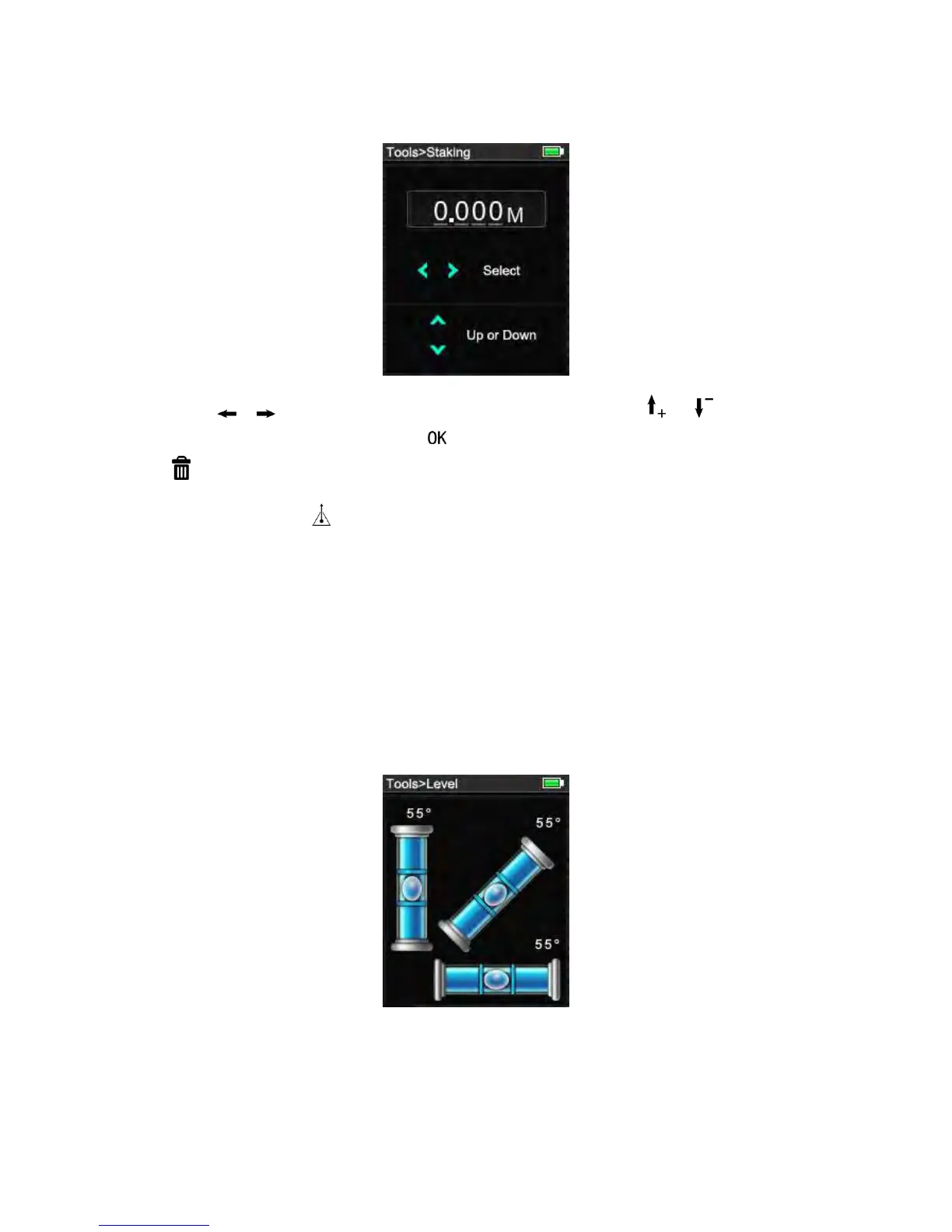
In screen of Tools-> Staking out
press or move the cursor to select the digit of data, and press or to
increase or reduce the value, press to save and return to upper interface, or press
cancel the modification and return to the previous data.
Pressing the button starts the laser measurement. The display shows required stake
out distance in the summary line between the stake out point and the instrument (rear
reference). If the instrument moved slowly along the stake out line the displayed distance
decreases. The instrument starts to beep at a distance of 0.1m from the next stake out
point. The arrows in the display indicate in which direction the Meter needs to be moved in
order to achieve the defined distance. As soon as the staking out point is reached, the
symbol appears in the display.
3) Level
In screen of Tools-> Level,
3 mercury columns represents X, y and 45 axis, the value display when meter is rotated.
4) Thermometer


 To Next Page