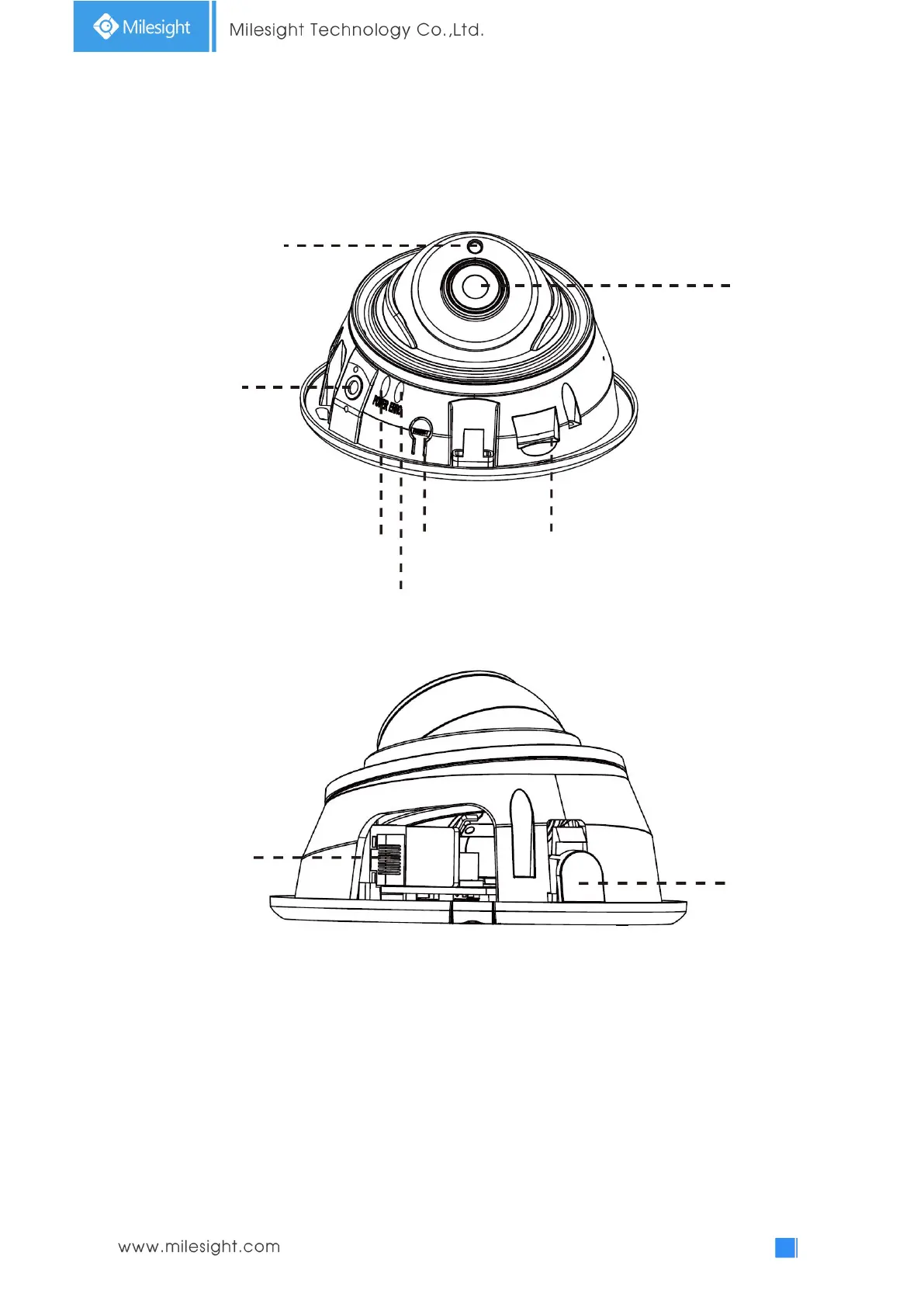
2. IR Mini Dome Network Camera
Figure 1-3-2 IR Mini Dome Network Camera
Note:
1) Error LED Indicator: Error LED Indicator is on when the device starts up or runs error.
2) Reset Button: Press “Reset” button for 5 seconds, then the device will be restored to factory
default.
3) Only PoE is available for power supply.
microSD/SDHC/SDXC Card Slot



 To Next Page