4. Getting Started
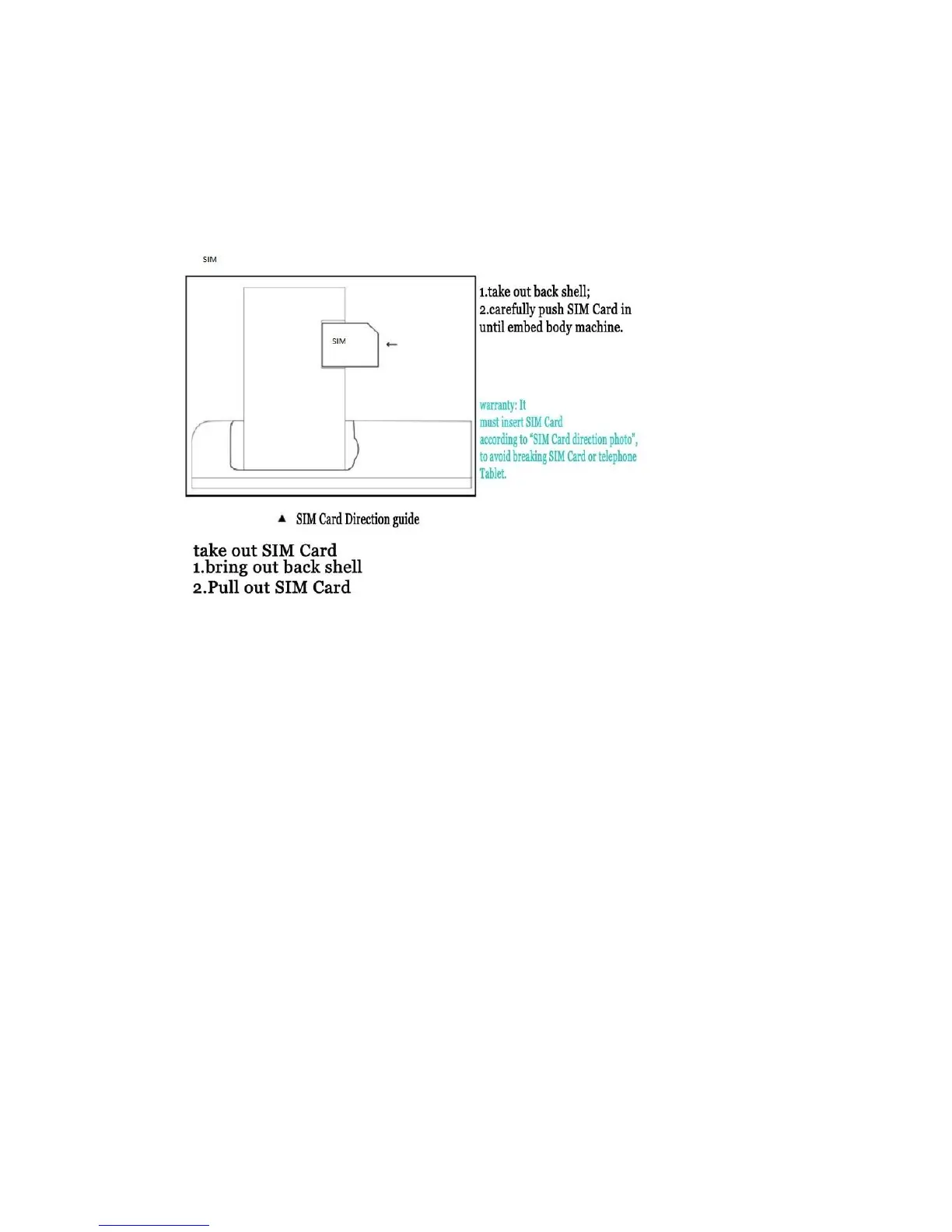
a) Install SIM Card:
SIM Card stores all your telephone number, detailed service information,
telephone directory/ message storage.
Insert SIM Card in power off state, or reboot in power on state.
b) Battery Charging:
Please charge the Tablet in the following conditions:
If the battery power is low or if the power icon shows no power, if power
button does not respond i.e. the device is not getting switched on.
Tablet shutting down automatically.
When top right led continuously blinks.
Note: Slight heating during charging is normal. When the charging icon
becomes static, it indicates that the battery is full.
c) First Time Usage
Please charge the device for 6 hours for the first time; thereafter every
subsequent full charge will take only 4 hours. Please charge the unit fully once
in a month if it is not in use.


 To Next Page
 Loading...