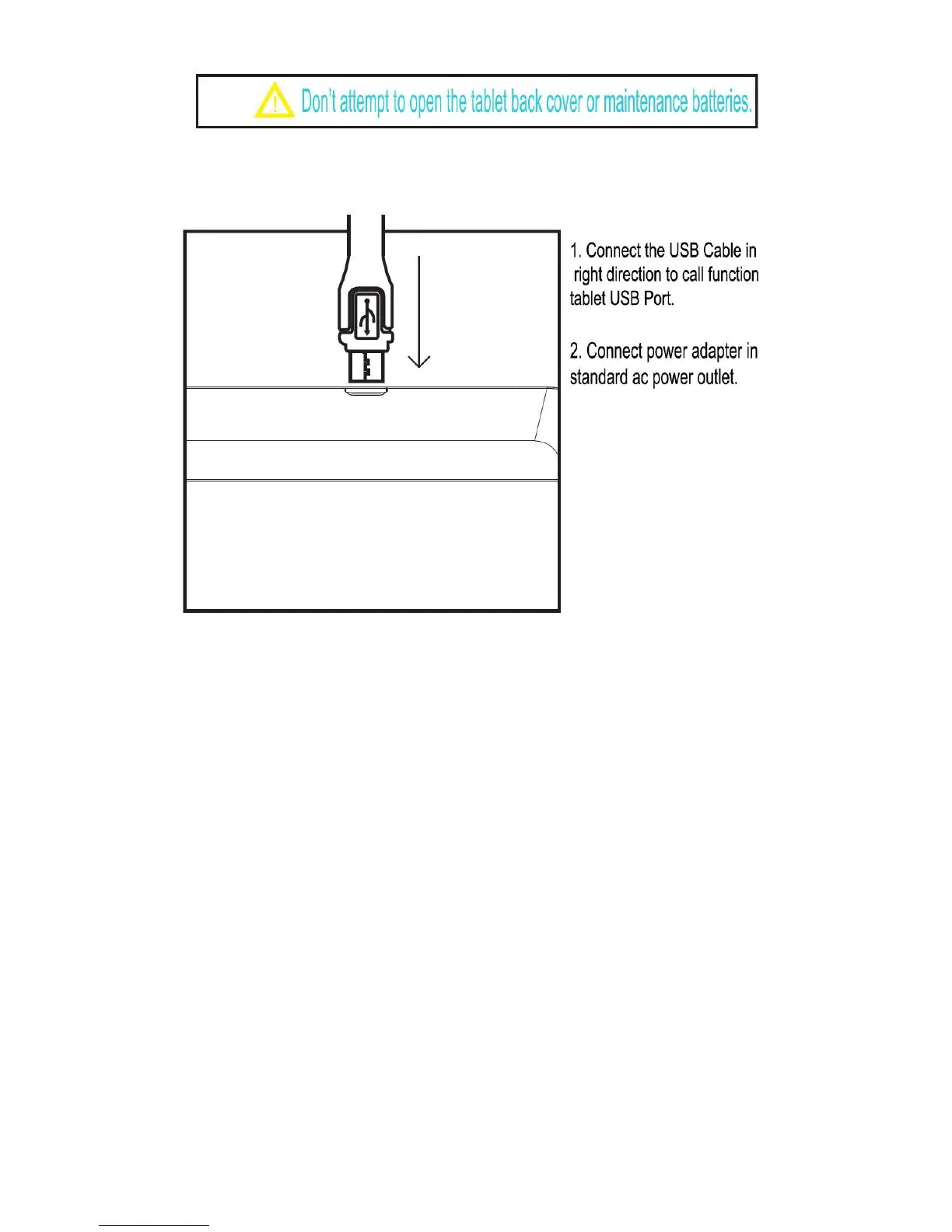
It can only be charged by original adapter and USB Cable.
The charging steps with adapter are shown below:
Please connect the ac adapter, and tablet display the charging icon. Press
power button to boot, after entering the home screen, charging battery display
as icons on the screen. In lock machine state, it will show charging animation.
Please disconnect power adapter with standard power socket, and then
disconnect phone tablet connected with power adapter.
5. Quick Guide
Power on or Switching on the Device
Long press “Power Button” for 3s to turn on the device.
Reboot or Power Off
If power off or reboot, please press “Power Button” until pop up selection box,
choose “power off button”. Long press “power button” around 10 seconds,
Machine could auto power off or reboot, this operation method used for
occasional crash rebooting tablet.



 To Next Page