EasyManua.ls Logo

Miller OM-286308A - User Manual

Miller OM-286308A
36 pages
Print Icon
To Next Page IconTo Next Page
Loading...
OM-286308A 2020-05
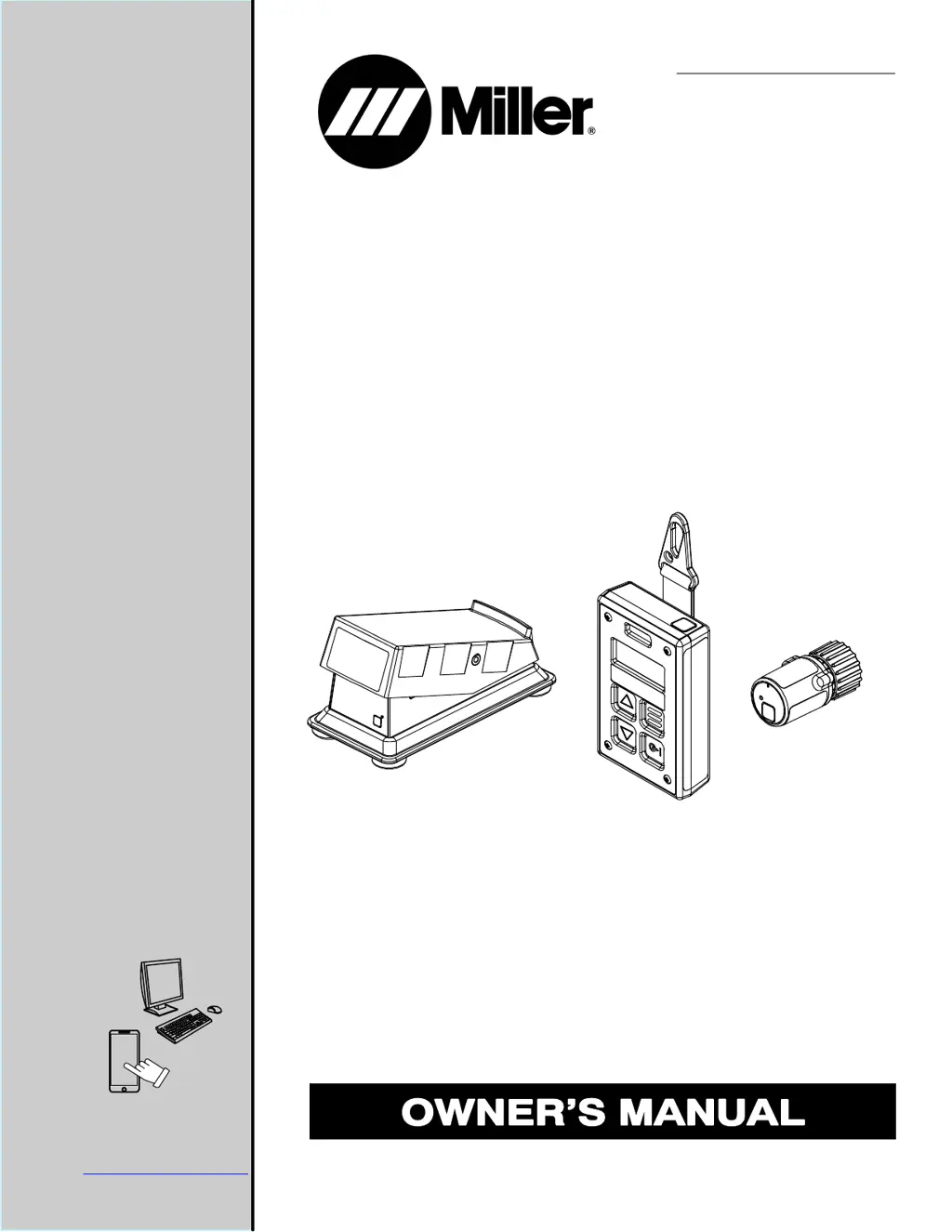
Wireless Remote Controls
For product information,
Owner’s Manual translations,
and more, visit
www.MillerWelds.com

Table of Contents

Questions and Answers

Summary

General Safety Precautions

Symbol Usage and Definitions

Explains warning symbols like DANGER, NOTICE, and general safety icons used throughout the manual.

Arc Welding Hazard Identification

Details hazards related to electric shock, fumes, gases, arc rays, fire, explosion, and flying debris during welding operations.

Specific Safety Warnings and Standards

California Proposition 65 Warnings

Provides warnings about chemical exposure, including lead, known to cause cancer or reproductive harm.

Principal Safety Standards References

Lists key safety standards and references for welding, cutting, and eye/face protection from various organizations.

EMF and Medical Implant Safety

Discusses electromagnetic fields (EMF) from welding and their potential impact on medical implants like pacemakers.

Battery Handling Safety

Battery Safety Symbols

Explains warning symbols specific to battery handling, covering fire, explosion, and acid burn hazards.

Battery Hazards and Safe Practices

Covers risks of fire, explosion, and acid burns from batteries, with essential handling and charging guidelines.

System Installation and Operation

Regulatory Compliance (FCC;ISED)

Details regulatory compliance for digital devices and radio frequency equipment in the US and Canada.

Wireless Control Specifications

Outlines technical specifications for wireless foot control, hand control, and 14-pin transceiver, including range, battery, and operating conditions.

Product Disposal and Labeling

WEEE Labeling and Disposal

Explains the Waste Electrical and Electronic Equipment (WEEE) symbol and disposal guidelines for products sold in the EU.

System Overview and Battery Installation

Wireless Remote Control System Introduction

Introduces the wireless remote control system components and their basic functionality, including pairing.

Installing Batteries in Controls

Provides step-by-step instructions for installing AA batteries into the wireless foot and hand controls.

Connecting and Operating Wireless Controls

14-Pin Transceiver Connection Guide

Details how to connect the 14-pin transceiver to the welding power source and interpret its status lights.

Wireless Foot Control Usage

Explains how to use the wireless foot control to manage output contactor and amperage remotely.

Wireless Hand Control Usage

Hand Control Operation and Display

Describes the operation of the wireless hand control, its buttons, display screen, and status indicators.

Remote Control for Always-On Output Operation

Amperage;Voltage Control for Always-On Output

Specific instructions for using the wireless hand control with welding power sources that have output always on.

Remote Control for Contactor Output Operation

Amperage;Voltage Control for Contactor Output

Instructions for using the wireless hand control to activate/deactivate the output contactor and adjust amperage/voltage.

Wireless Control Pairing

Pairing Hand Control with Transceiver

Step-by-step guide for pairing the wireless hand control with the 14-pin transceiver, including status light indications.

Wireless Foot Control Pairing

Pairing Foot Control with Transceiver

Step-by-step guide for pairing the wireless foot control with the 14-pin transceiver, including status light indications.

Model-Specific Wireless Setup

Enabling Wireless on Big 40 C, Big Blue 400;500 Models

Instructions for enabling wireless operation on specific Miller welding machine models.

Transceiver Details and Troubleshooting

14-Pin Transceiver Pin Information

Details the function of each pin on the 14-pin transceiver connector.

Troubleshooting Common Issues

Provides common issues with wireless controls and their corresponding solutions.

Parts List - Wireless Foot Control

Wireless Foot Control Components

Lists and identifies the individual parts and kits for the wireless foot control.

Parts List - Wireless Accessories

Wireless Receiver and Hand Control Parts

Lists and identifies components for the wireless receiver and hand control.

Manufacturer Warranty Details

Miller Limited Warranty Terms and Coverage

Outlines the terms, conditions, coverage periods, and exclusions for Miller's limited warranty on equipment.

Owner Records and Service Information

Recording Owner Information

Section for users to record equipment details like model, serial number, and purchase date.

Obtaining Service and Support

Provides information on how to contact distributors and service agencies, including phone numbers and website for support.

Summary

General Safety Precautions

Symbol Usage and Definitions

Explains warning symbols like DANGER, NOTICE, and general safety icons used throughout the manual.

Arc Welding Hazard Identification

Details hazards related to electric shock, fumes, gases, arc rays, fire, explosion, and flying debris during welding operations.

Specific Safety Warnings and Standards

California Proposition 65 Warnings

Provides warnings about chemical exposure, including lead, known to cause cancer or reproductive harm.

Principal Safety Standards References

Lists key safety standards and references for welding, cutting, and eye/face protection from various organizations.

EMF and Medical Implant Safety

Discusses electromagnetic fields (EMF) from welding and their potential impact on medical implants like pacemakers.

Battery Handling Safety

Battery Safety Symbols

Explains warning symbols specific to battery handling, covering fire, explosion, and acid burn hazards.

Battery Hazards and Safe Practices

Covers risks of fire, explosion, and acid burns from batteries, with essential handling and charging guidelines.

System Installation and Operation

Regulatory Compliance (FCC;ISED)

Details regulatory compliance for digital devices and radio frequency equipment in the US and Canada.

Wireless Control Specifications

Outlines technical specifications for wireless foot control, hand control, and 14-pin transceiver, including range, battery, and operating conditions.

Product Disposal and Labeling

WEEE Labeling and Disposal

Explains the Waste Electrical and Electronic Equipment (WEEE) symbol and disposal guidelines for products sold in the EU.

System Overview and Battery Installation

Wireless Remote Control System Introduction

Introduces the wireless remote control system components and their basic functionality, including pairing.

Installing Batteries in Controls

Provides step-by-step instructions for installing AA batteries into the wireless foot and hand controls.

Connecting and Operating Wireless Controls

14-Pin Transceiver Connection Guide

Details how to connect the 14-pin transceiver to the welding power source and interpret its status lights.

Wireless Foot Control Usage

Explains how to use the wireless foot control to manage output contactor and amperage remotely.

Wireless Hand Control Usage

Hand Control Operation and Display

Describes the operation of the wireless hand control, its buttons, display screen, and status indicators.

Remote Control for Always-On Output Operation

Amperage;Voltage Control for Always-On Output

Specific instructions for using the wireless hand control with welding power sources that have output always on.

Remote Control for Contactor Output Operation

Amperage;Voltage Control for Contactor Output

Instructions for using the wireless hand control to activate/deactivate the output contactor and adjust amperage/voltage.

Wireless Control Pairing

Pairing Hand Control with Transceiver

Step-by-step guide for pairing the wireless hand control with the 14-pin transceiver, including status light indications.

Wireless Foot Control Pairing

Pairing Foot Control with Transceiver

Step-by-step guide for pairing the wireless foot control with the 14-pin transceiver, including status light indications.

Model-Specific Wireless Setup

Enabling Wireless on Big 40 C, Big Blue 400;500 Models

Instructions for enabling wireless operation on specific Miller welding machine models.

Transceiver Details and Troubleshooting

14-Pin Transceiver Pin Information

Details the function of each pin on the 14-pin transceiver connector.

Troubleshooting Common Issues

Provides common issues with wireless controls and their corresponding solutions.

Parts List - Wireless Foot Control

Wireless Foot Control Components

Lists and identifies the individual parts and kits for the wireless foot control.

Parts List - Wireless Accessories

Wireless Receiver and Hand Control Parts

Lists and identifies components for the wireless receiver and hand control.

Manufacturer Warranty Details

Miller Limited Warranty Terms and Coverage

Outlines the terms, conditions, coverage periods, and exclusions for Miller's limited warranty on equipment.

Owner Records and Service Information

Recording Owner Information

Section for users to record equipment details like model, serial number, and purchase date.

Obtaining Service and Support

Provides information on how to contact distributors and service agencies, including phone numbers and website for support.

Miller OM-286308A Specifications

General IconGeneral
BrandMiller
ModelOM-286308A
CategoryRemote Control
LanguageEnglish