Connect with Others
Create or Join a Group
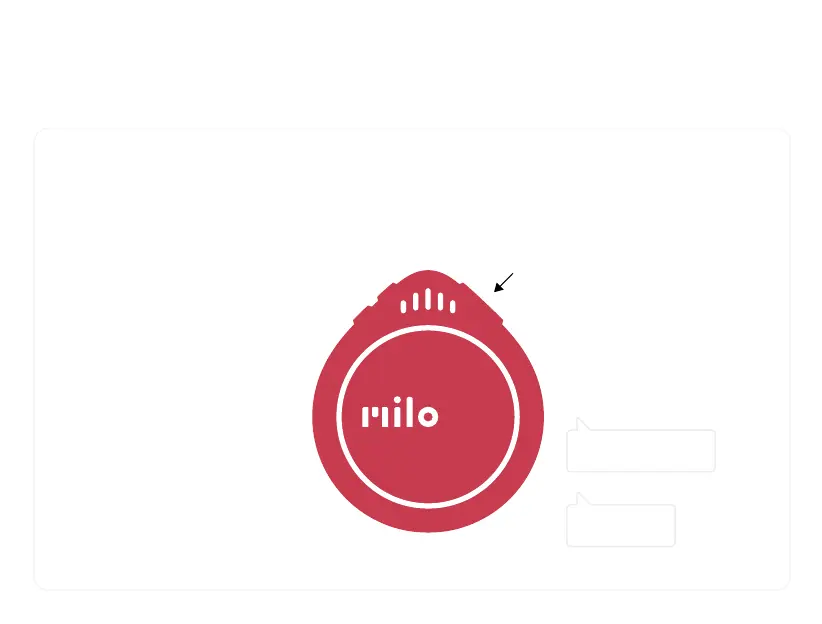
To group with others, hold Milos near
each other, and press-and-hold the
side button on each at the same time.
The light ring shows grouping
is in progress.
Release the side buttons after
you hear "Connected."
Leave a Group
To leave a group, double-click the
side button. When asked to confirm,
double-click again.
If you're in a group, you need to
leave it first to join another.
YOU LEFT
TO CONFIRM...


 To Next Page