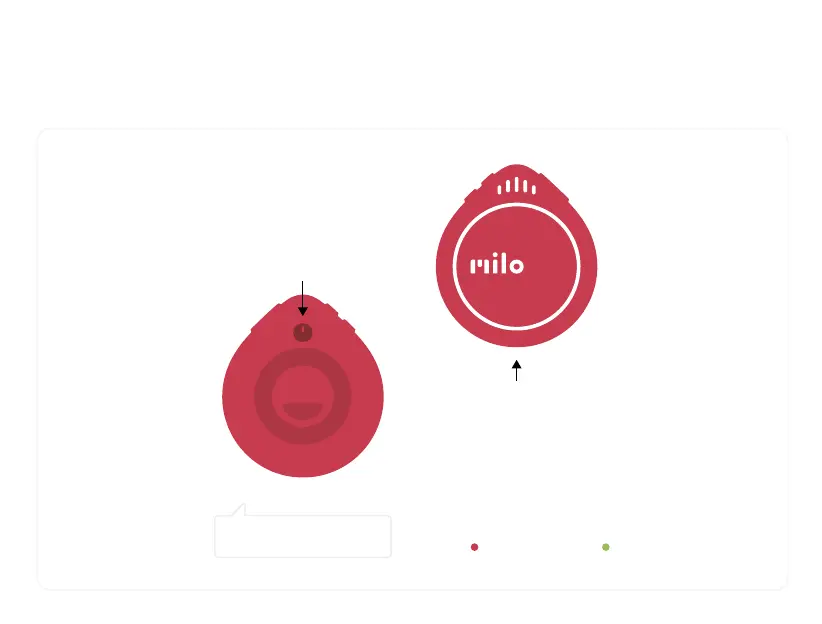
Power & Battery
Battery Life
Click the power button
for battery level info.
To power down, hold the power
button for 2-3 seconds.
BATTERY’S AT 75%
Charging
Use a USB-C cable to charge from any
power adapter.
You can even use a battery pack to charge
on-the-go while using Milo.
Milo charges more quickly when turned on.
Still charging Fully charged


 To Next Page