89
Procedures
3
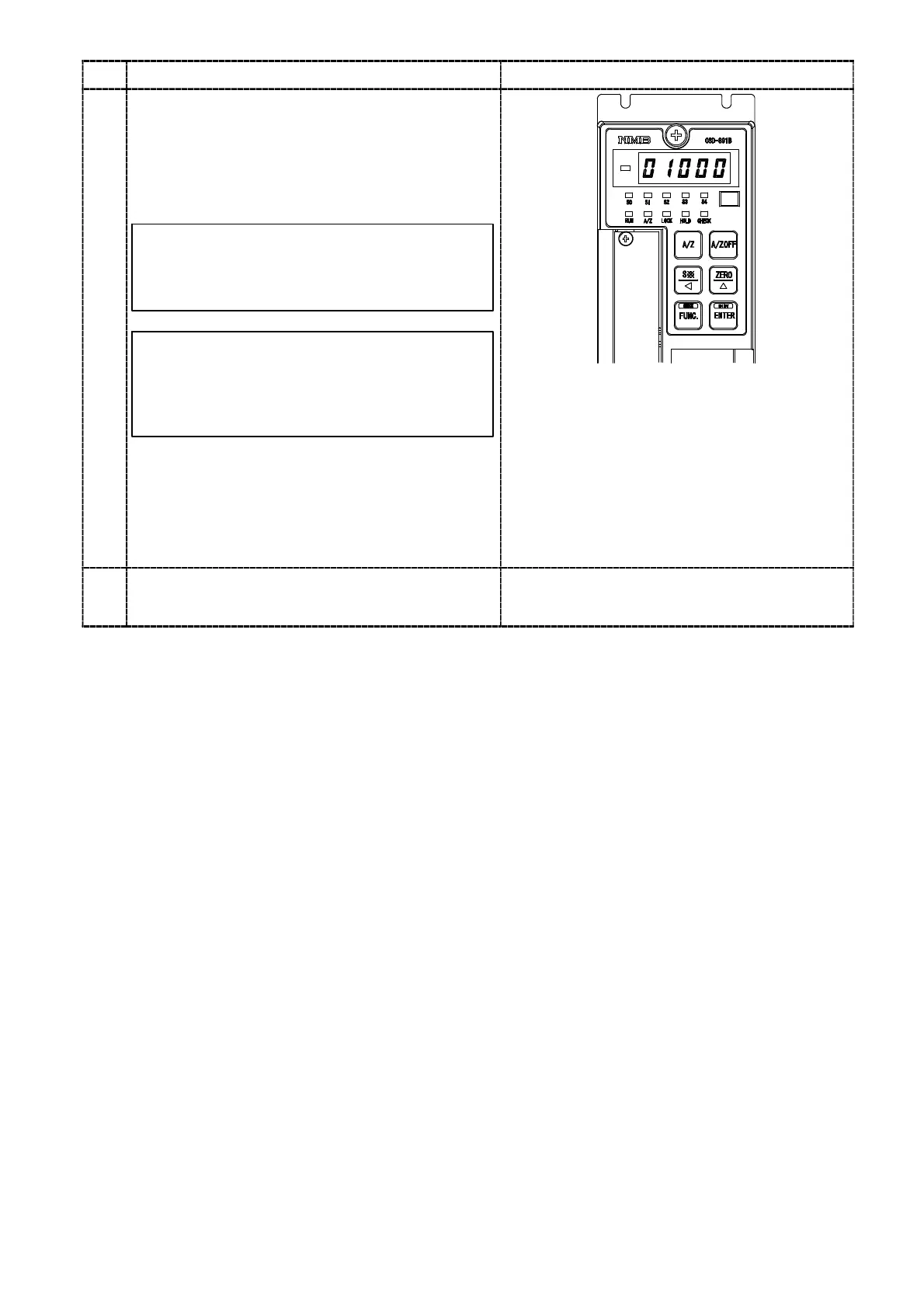
When the key is pressed, the set value
corresponding to the selected number is
displayed in the load display section, and the
minimum display effective digit lights on and
off. set the comparator set value of the selected
number by the right keys.
When the change of set value is required to
interrupt, press the
key. It returns to
the measurement mode.
If you keep the instrument untouched for
approx. 20 seconds in the condition of
change of setting is available, the
Measurement mode can be re−entered
automatically.
Press the
key after the completed
changing.
The set value becomes effective, and return to
step 1 selection status. When the change of
another set value is required, select the number
to be change in step 2.
:Set value carry on key
:Set value increment key
:Set value initialization key
(Make the set value to 0)
4
Press the key. it returns to the measurement
mode.


 To Next Page