Updated 04/23/2018 11 Version 1.0
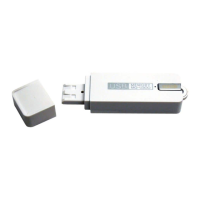
1. Connect your device to your PC using
the USB port. Open the “date_time.cfg
Creator” window inside your device.
2. In the right side of the window, select
the quality of recording you want, then
hit “Start”. The automatic setting is
“HQ”.
a. Please note: Recording on “XHQ”
will change the recording
capacity from 288 hours to 144
hours.
HOW TO ADJUST VOICE ACTIVATION SENSITIVITY
1. Connect your device to your PC using
the USB port, and open the “Removable
Disk”.


 To Next Page