Updated 04/23/2018 13 Version 1.0
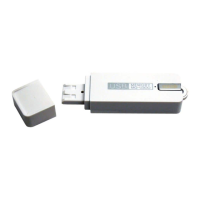
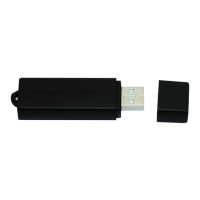
1. Remove the USB port cover (see page 3)
and plug the device’s USB port into the
USB port on your computer.
2. Locate “Removable Disk” inside the
(My) Computer folder.
AutoPlay Removable Disk > Open
folder to view files


 To Next Page