MINITECH
CNC Mini-Mill User's Guide
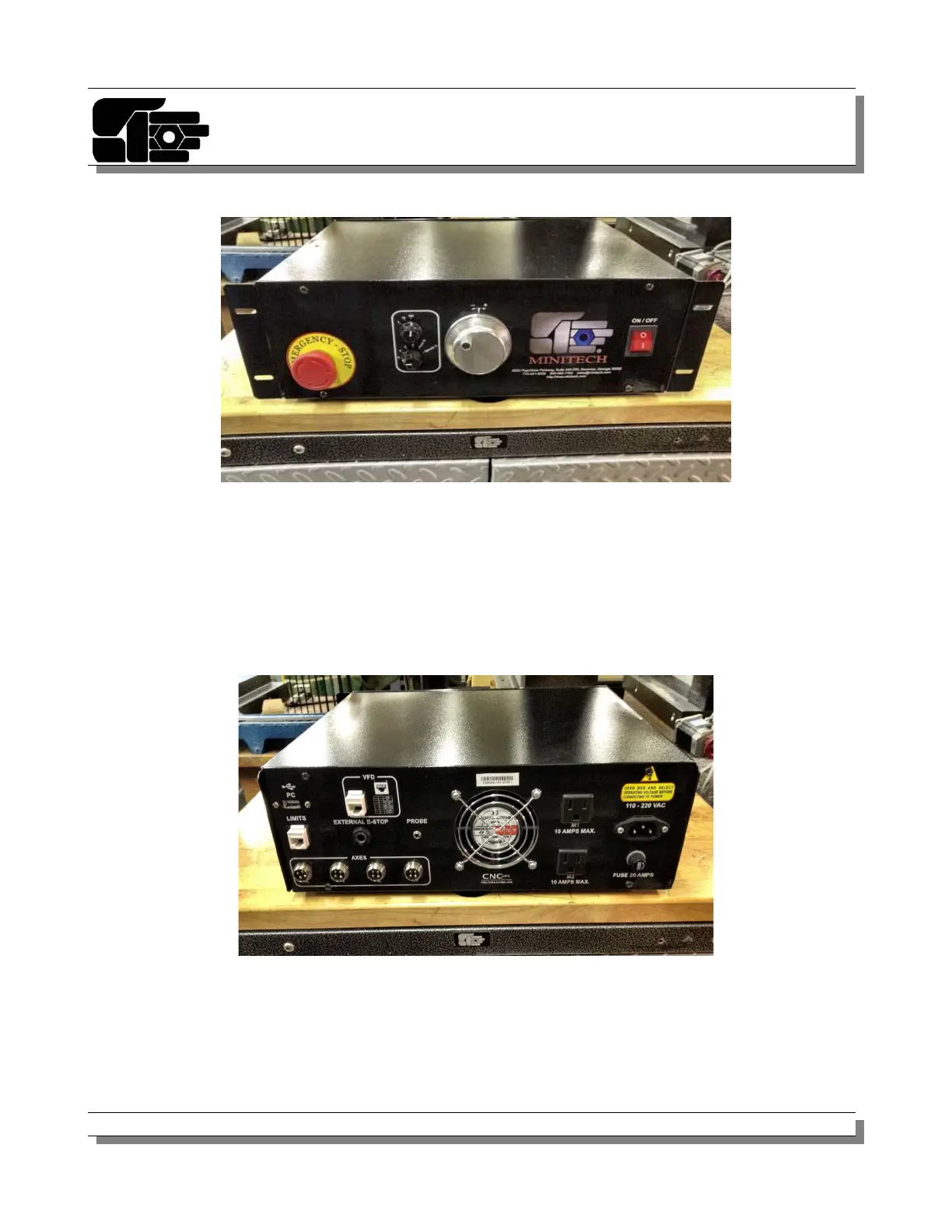
Front
Power Switch - This is on the right side of the controller box. On is in the up position, off is
down. A light illuminates when power is on.
Emergency Stop - This cuts the power to the stepper motors in case of a failure. Press this
when you want the stepper motors to shut off.
BACK
AC IN - Connect the power cord from your wall outlet into this connector. It supplies the AC
power for the controller.
© 2012 Minitech Machinery Corp. 12



 To Next Page