CD OPERATION E
10
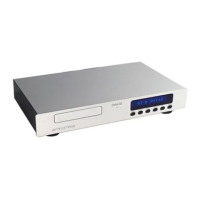
CD PLAYER FRONT PANEL
1 DISPLAY :
• Provides all operational information.
2 STAND-BY :
• To switch the unit in and out of Standby mode. A
single bar illuminates when in Standby mode.
3 MODE :
• To switch the digital output on or off.
4 NEXT/FFWD :
• Selection of the next track.
• To forward search during play.
5 PREV/FREV :
• Selection of the previous track.
• To reverse search during play.
• To replay the current track during play.
6 PLAY/PAUSE :
• To start play.
• To pause during play.
7 STOP/DISC :
• To stop play.
• To clear a program in stop mode.
• To open or to close the cd tray.
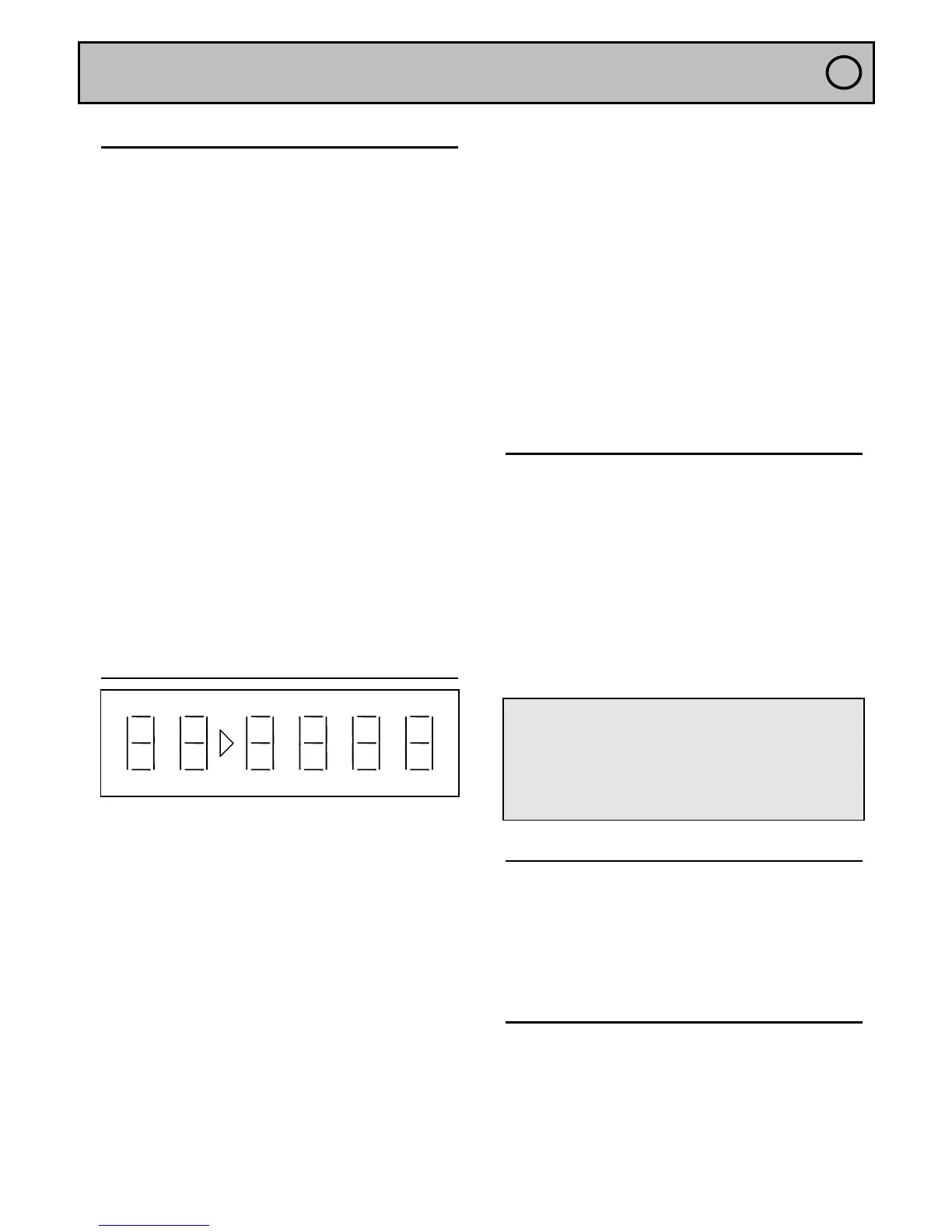
DISPLAY
TRACK : Indicates the number of tracks on a disc or
in a selected program in stop mode. Indicates the
actual playing track number during play.
TOTAL TIME : Indicates the total disc or program time
in stop mode. Indicates the total elapsed time since
the beginning of the disc in play mode.
TOTAL REM(aining) TIME : Indicates the remaining
time on the disc in play mode.
REM(aining) TIME : Indicates the remaining time of
the playing track.
TIME : Indicates the elapsed time of the playing track.
PROGRAM : Indicates the presence of a program.
Blinks when selecting a track to be added or removed
from a program.
SCAN : Indicates that the player is only reading the
first 10 seconds of each track.
SHUFFLE : Indicates random play mode.
A→B : Indicates when you have chosen to repeat a
selected passage.
REPEAT : Illuminates to indicate that you have
chosen to repeat the playing of a disc or a program.
REPEAT 1 : Illuminates to indicate that you have
chosen to repeat the playing track.
PLAY
• Press the STAND-BY key to bring CD into
operational mode.
• Press the PLAY/PAUSE to begin playing a disc.
◊ The number of the playing track always appears
underneath the TRACK indicator and its elapsed time
underneath the TIME indicator.
◊ The disc will always stop at the end of the last
track.
• If you wish to stop playing a disc press
STOP/DISC.
• Press STAND-BY to place the machine in Standby
mode.
WARNING!
- If the CD tray is pushed manually when a disc is
loaded, it will automatically begin to play once the tray
has closed. (AUTOPLAY).
- If you press PLAY/PAUSE whilst in play mode, the
PAUSE indicator will illuminate. To release from the
pause mode, press this key again.
TRACK SELECTION (0-9)
• You may directly access any track by utilising the
numeric keypad of the remote control
handset.( Tracks with 2 digits should be keyed in
within 2 seconds )
• You may also access track selection by use of the
NEXT or PREV keys.
SEARCH
• Continual pressure on the PREV/FREV key will
allow you to search for a passage in reverse direction;
continual pressure on the NEXT/FFWD key will allow
you to search for a passage in the forward direction.
TRACK
PROGRAM
SCAN SHUFFLE
AÎB REPEAT 1 PAUSE
TOTAL REM TIME
:


 To Next Page
 Loading...