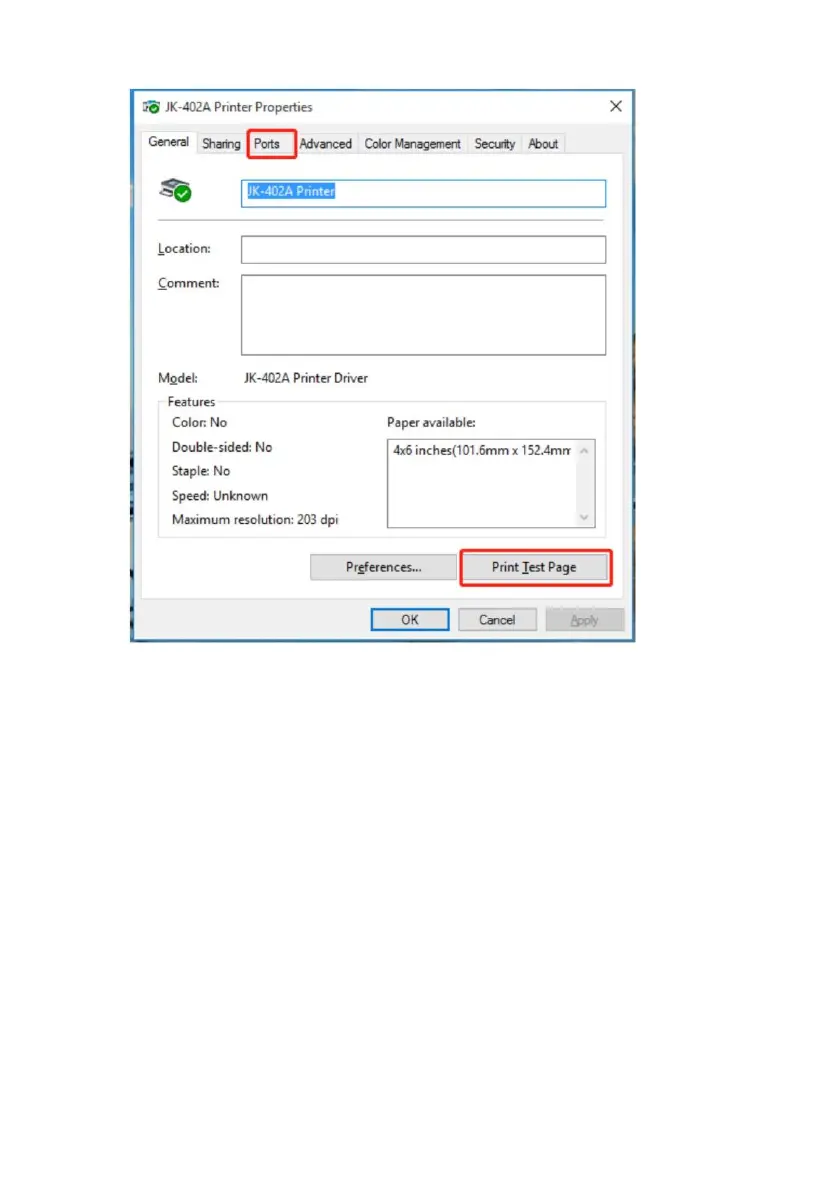
The test page coming out indicates that the installation is
complete
If the test page is not printed, please check if the port is
selected wrong.
Click “Print Test Page”, the printer will print test page, which
means the printer has
been connected with computer successfully and the port
configuration is correct.



 To Next Page