2.3 Other Properties and Function Configuration
You could set the paper specification etc., please refer to the follows:
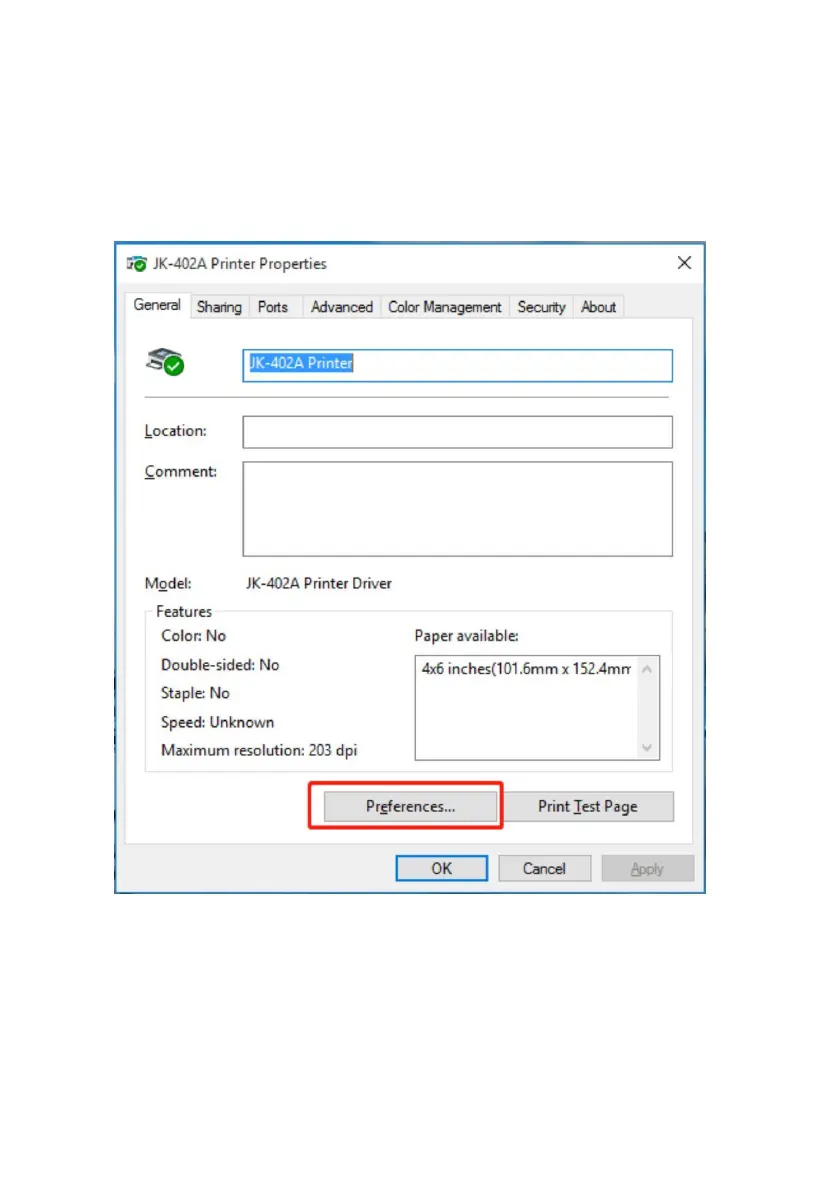
Select the printer properties, click on "Print preferred page", enter the
page and print settings interface, as shown in the following figure.



 To Next Page