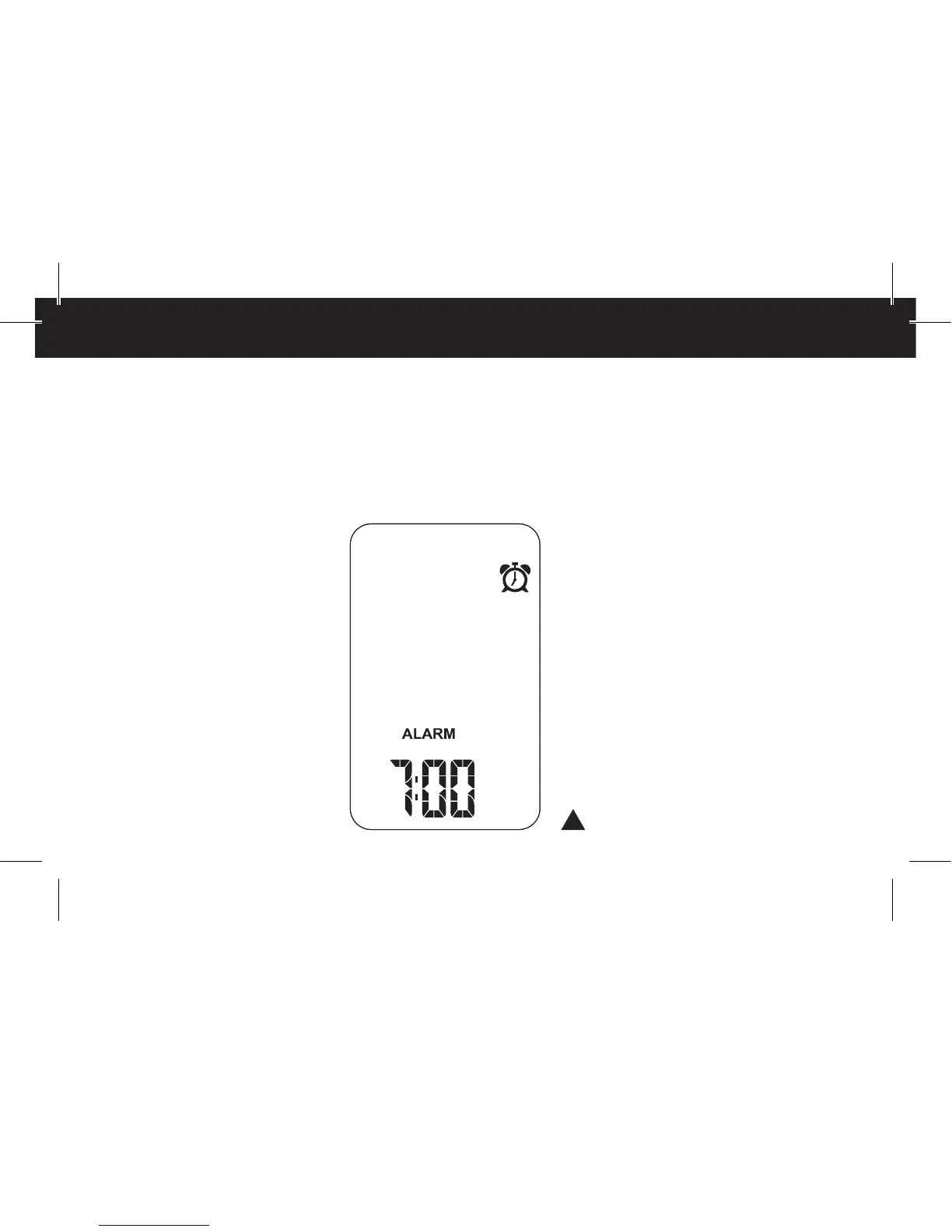
The ALARM-Mode
(wake-up function)
Keep pressing the mode button
until “ALARM” is displayed.
An alarm clock symbol appears
in the upper third of the display
window. The lower third of the
display window indicates the
current set alarm.
Now the alarm is activated.
Press the up button and hold
for at least 1.5 seconds to again
deactivate the alarm function.
The alarm clock symbol disap-
pears from the display window.
To activate the wake-up function
again press the up button once
again and hold.
Setting up alarm
and UV-alarm
To set up the alarm and the UV-
alarm press the set button and
hold for at least 1.5 seconds. At
the bottom of the display window
shortly the word “SET” appears
and then the current set alarm.
By pressing the up- or down
buttons the flashing display
of the hours can be set. To con-
firm your entry press the mode
button. This automatically leads
you to setting the minutes. Set the
minutes in the same procedure
like setting the hours and repeat
this procedure. Press the mode
(> 1,5 sec.)
46 Functions 47



 To Next Page