EasyManua.ls Logo

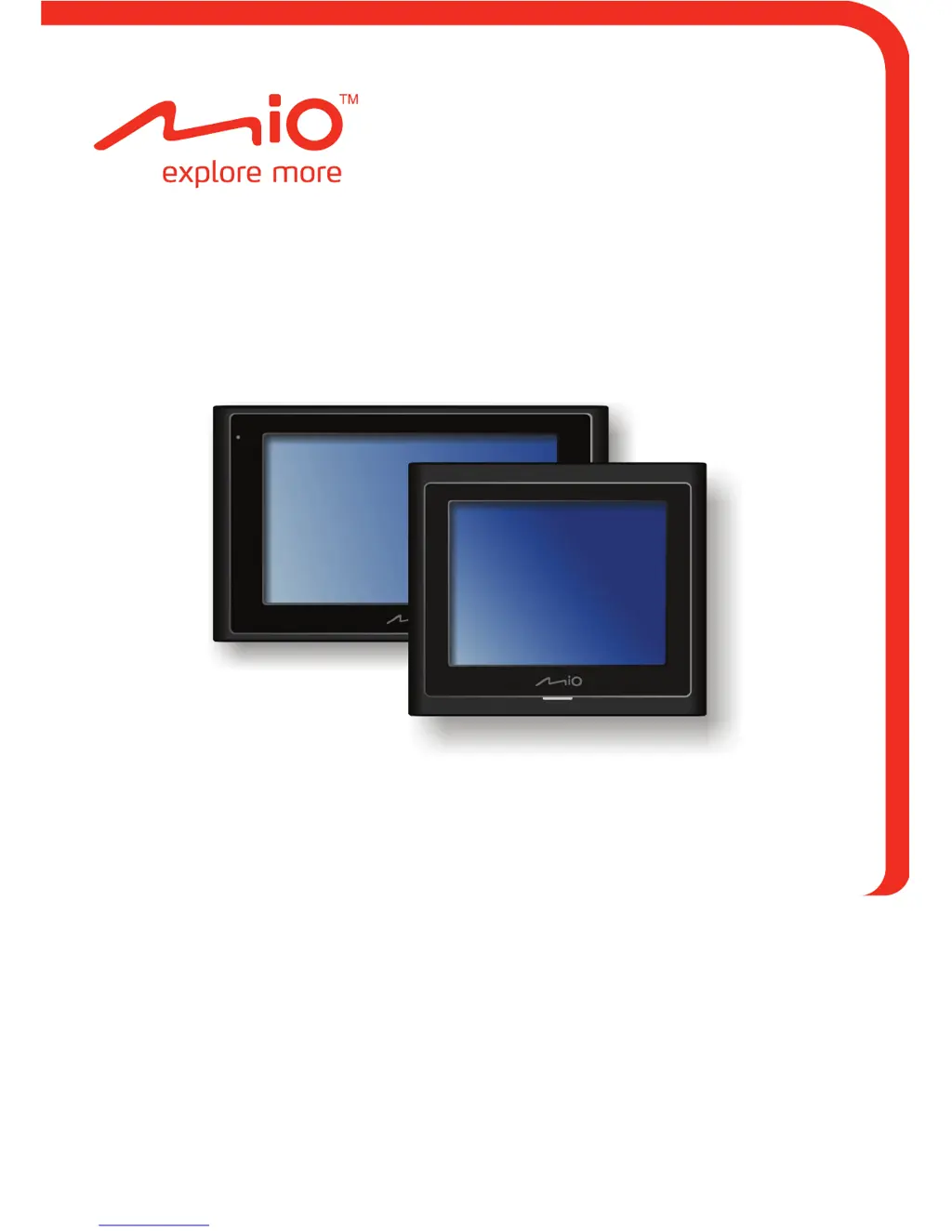
Mio MOOV 300-Series - User Manual

Mio MOOV 300-Series
119 pages
Print Icon
To Next Page IconTo Next Page
Loading...
User Manual
Moov 200-Series
Moov 300-Series

Table of Contents

Questions and Answers

Summary

Getting to Know Your Mio

Initial Setup and Operation

Performing the Initial Start-up

Guide to turning on and setting up the Mio device for the first time.

Charging the Battery via USB

Steps to charge the Mio's battery using a USB cable.

Vehicle Usage and Basic Operation

Mounting the Device in a Vehicle

Instructions for mounting the Mio device securely in a vehicle.

Reference, Care, and Safety

Safety and Regulatory Information

Important safety guidelines, compliance statements, and warnings.

GPS Navigation Fundamentals

Navigating from A to B

Steps to set a destination and calculate a route.

Destination and Route Management

Searching for Destinations

Methods for searching addresses, POIs, and other locations.

Mio MOOV 300-Series Specifications

General IconGeneral
Voice GuidanceYes
Turn-by-Turn NavigationYes
Points of Interest (POI)Yes
SD Card SlotYes
Display Resolution320 x 240 pixels
Text-to-SpeechYes
BluetoothNo
FM TransmitterNo
Display Size3.5 inches
Screen TypeTFT LCD

Related product manuals