8
Using Your Miofive APP
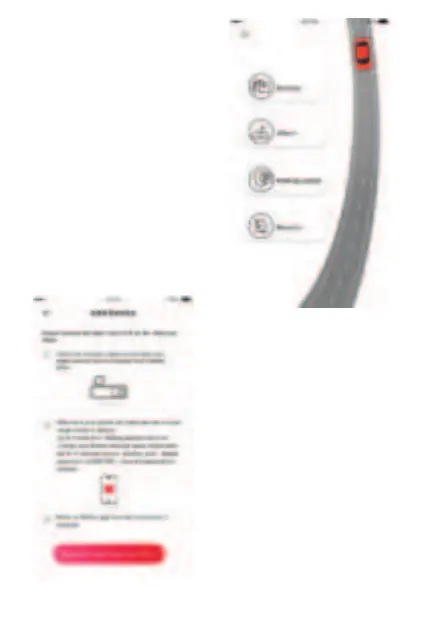
Connect to the Dash Cam
1. Check the indicator status on
the dash cam, make sure the
power indicator slowly blinks
green.
2. Make sure your phone and
dash cam are in close range
(within 2 meters).
3. Go to Phone Wi-Fi Setting
and turn Wi-Fi on.
4. Launch the Miofive APP.
(Recommend register account
to unlock advanced features).
5. Press “Devices”, and press”
Connect to the Dash Cam Wi-Fi”.
6. Choose your Miofive network
name (SSID) from the Wi-Fi
network list (ex. “Miofive_xxxx”,
default password: 1234567890).
Input the password to connect.
7. Return to Miofive app once
the connection is complete.


 To Next Page