5 | P a g e
3. Pairing the camera using Mirabella Genio App
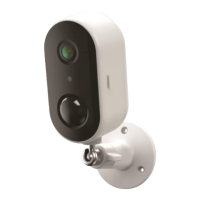
1. Connect the power to the camera using supplied DC 12 1A power
adapter and switch on
2. Wait for 30-40 seconds, the indicator light will be blinking RED rapidly
Camera is ready to pair.
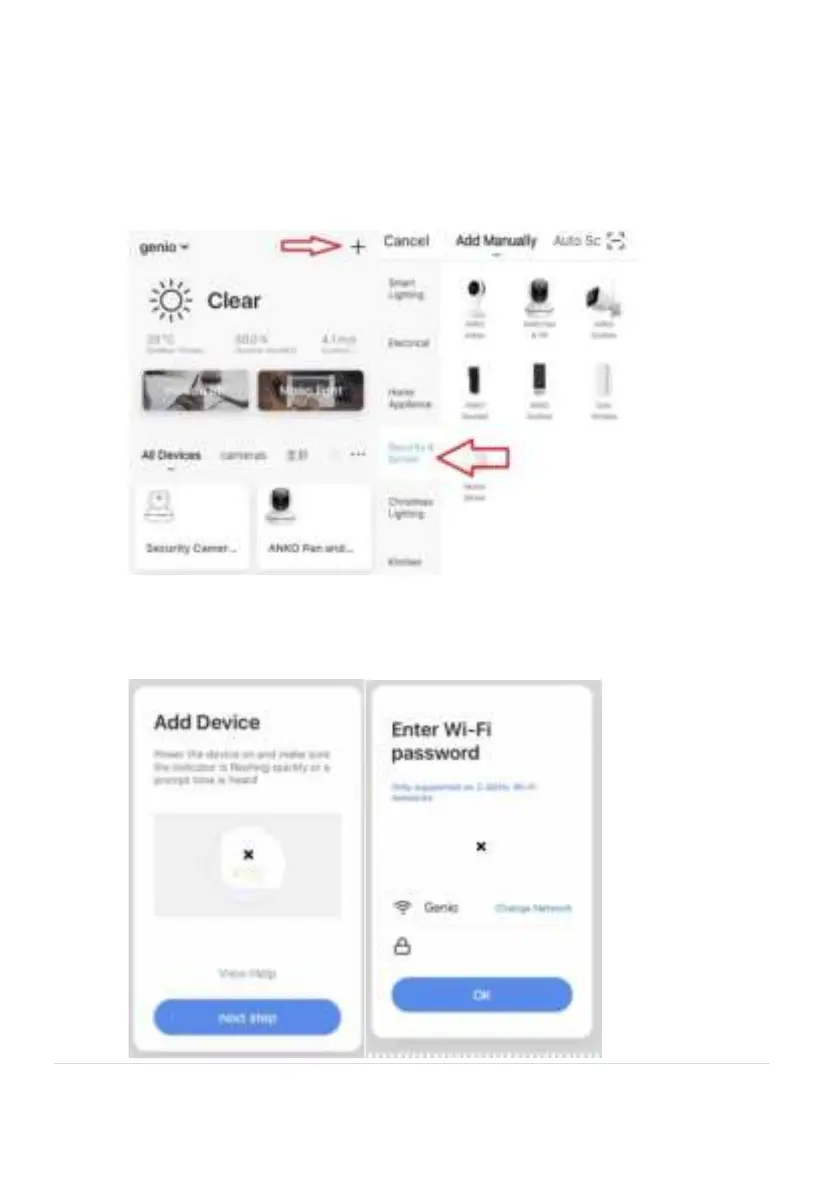
3. Lunch Mirabella Genio APP, tap on +, then choose Security & Sensor
4. Follow the APP;s instruction carefully to complete the network pairing
process. (outdoor camera only support default QR code scanning
method)



 To Next Page