USER’S GUIDE
28 | Kaleido Remote Control Protocol (Gateway)
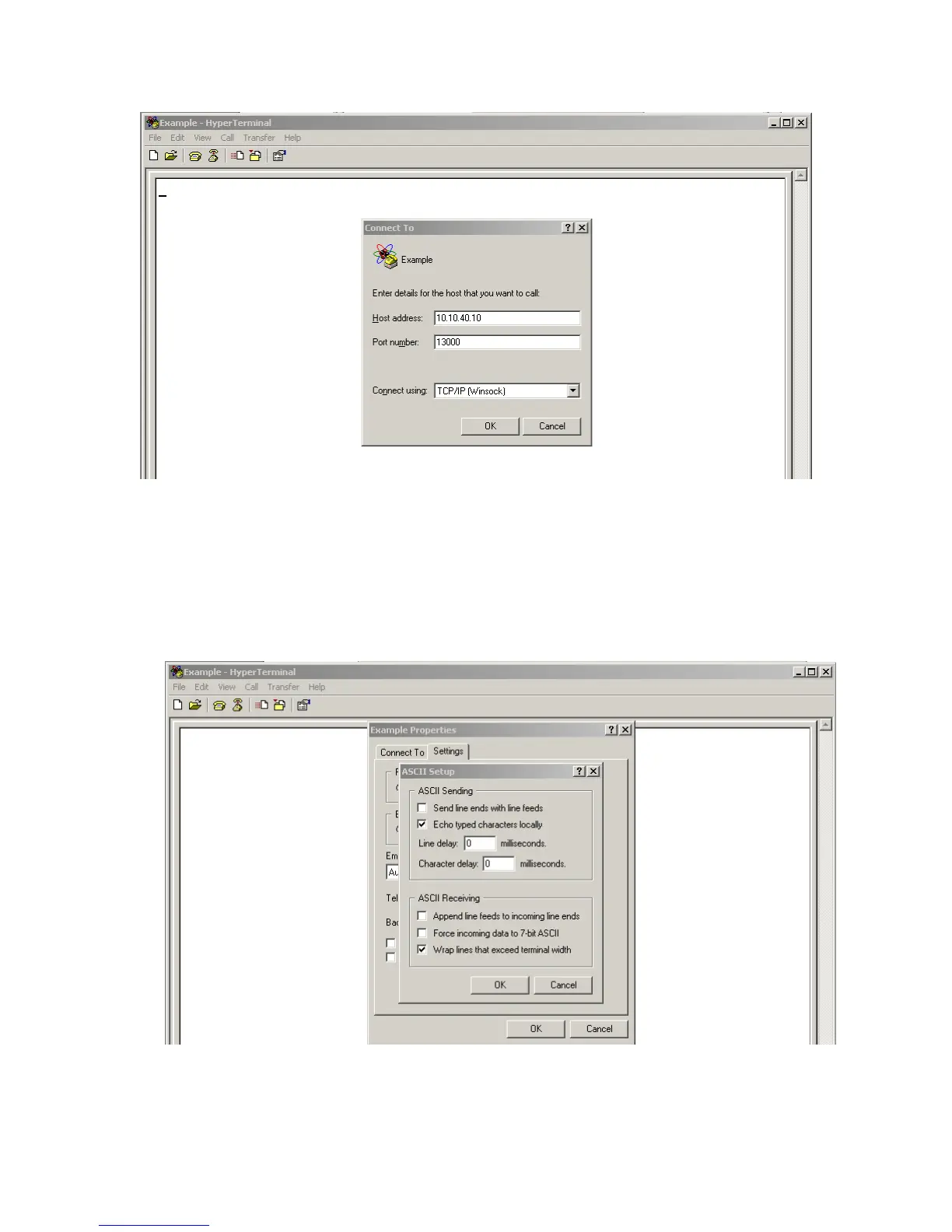
To be able to see the characters you type in the HyperTerminal console:
1. On the File menu, click Properties.
The [connection name] Properties window appears.
2. On the Settings tab, click the ASCII Setup button.
3. Select the Echo typed characters locally check box.
4. Click OK to close ASCII Setup window, and then click OK again to close the Properties window.
The characters you type will appear in the console.



 To Next Page