5
Introduction
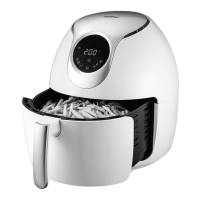
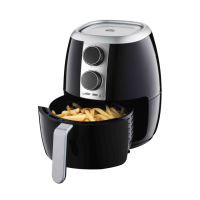
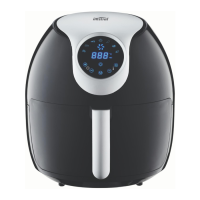
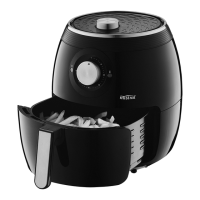
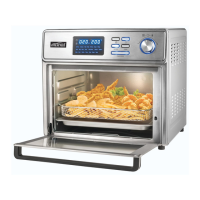
The Air fryer provides an easy and healthier way
of cooking your favorite foods, by applying rapid
air circulation from all directions additional to
a top grill and is able to cook a variety of dishes
without adding any oil or adding just a lile oil
for nominated ingredients tabled further in this
booklet.
Know Your Appliance
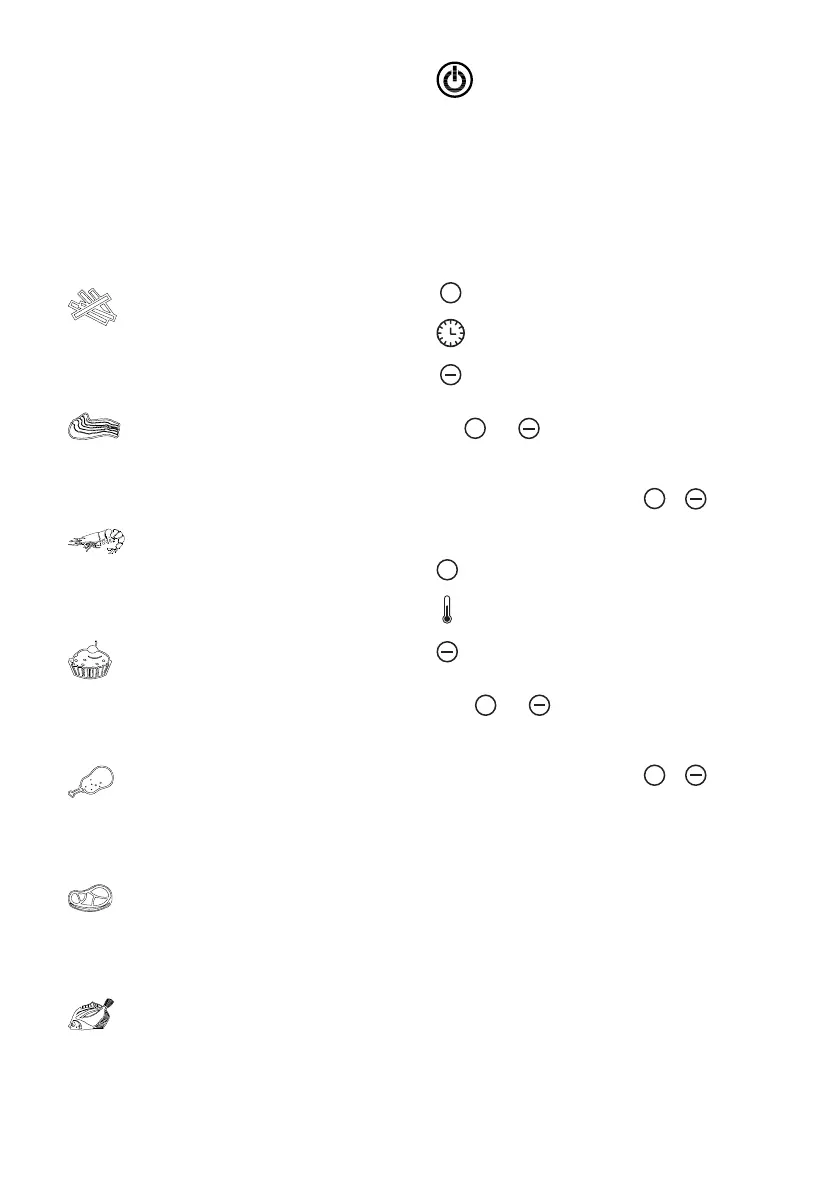
“Fries” Function key
Press this key to select and touch Power On/O to
start cooking process.
Default temperature and cooking time is 200°C for
25 minutes.
“Pork “ Function key
Press key to select and touch Power ON/OFF key
to start cooking process.
Default temperature & time is 200°C for 15
minutes.
“Seafood “ Function key
Press key to select and touch Power ON/OFF key
to start cooking process.
Default temperature and cooking time is 160°C for
20 minutes.
“Baking” Function key
Press this key to select and touch Power On/O to
start cooking process.
Default temperature and cooking time is 160°C for
30 minutes.
“Poultry” Function key
Press this key to select and touch Power On/O to
start cooking process.
Default temperature and cooking time is 200°C for
25 minutes.
“Steak” Function key
Press this key to select and touch Power On/O to
start cooking process.
Default temperature and cooking time is 200°C
for 15 minutes.
“Fish” Function key
Press this key to select and touch Power On/O to
start cooking process.
Default temperature and cooking time is 160°C for
25 minutes.
“Power On/O ” Key
Press key to switch appliance On and press again
to activate selected cooking function. Manually
switch O the appliance at any time during the
cooking process, You can manually switch o
the appliance by pressing the Power-o key,
the heating-up will stop running immediately,
and fan will automatically shut down after
approximately 20 seconds, at the same time,you
will hear 5 beep sounds.
+
“Time Control” key
Use
+
and icons to adjust the timer seings
by -/+1 minute increments (minimum of 1 minute
to a maximum of 60 minutes). For faster timer
adjustment press and hold the
+
or timer
icon.
+
“Temperature Control” key
Press
+
and icons to adjust the temperature
seing by -/+ 5ºC increments (minimum of 80ºC
to a maximum of 200ºC). For faster temperature
adjustment press and hold the
+
or
temperature icon.


 To Next Page
 Loading...