6
Whenoperatedforthersttime,theunitmay
emit an unpleasant burning type smell. This is
normal, and will disappear after a short period
of use.
1. Carefullyremovetheheaterfromtheplastic
bag and carton.Place the heater on a level
surfaceinastableuprightposition.Make
certainthepowerswitchisinthe“OFF”
position.
2. UnwindthepowercordandplugyourFan
Heaterintoasocketoutlet.Ensurethatthe
voltageonthespecicationsplateisthe
same as in your home.
3. Turnthepowerswitch(locatedattheback
oftheheater)‘On’.Theheaterisinstandby
Mode.Theapplianceemitsabeep(if“beep”
soundisON).TheblinkingStandByindicator
comes on and remains visible while the
appliance is powered.
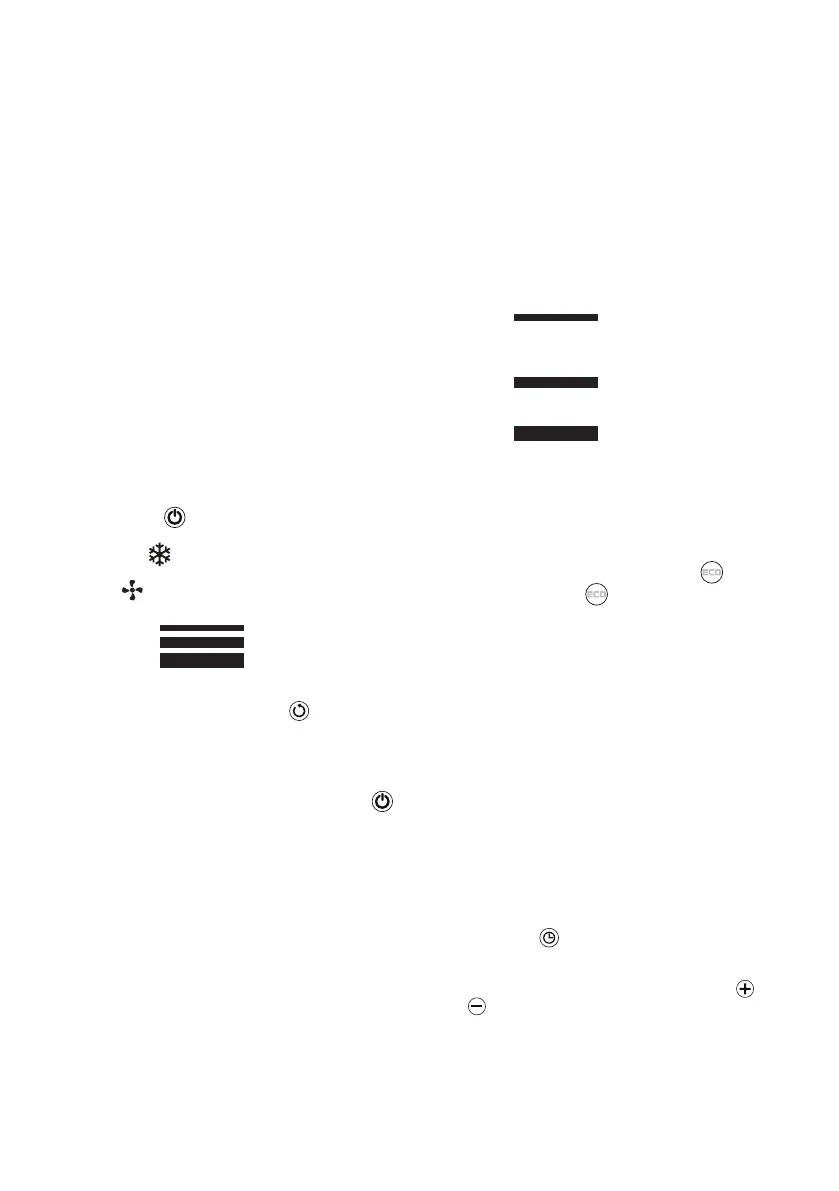
4. TurntheheateronbypressingtheON/OFF“
”buttononTheheaterwillbeginheatingthe
room according to the last used settings.
5. Pressthe“ ”buttontoselectoneofthe
following operating modes:
• Antifrost (Theappliancekeeptheroomat
7°Cavoidfreezing)
• FAN (in this mode the appliance doesn’t
emits heat; only the fan operates)
• Heating1
• Heating2
• Heating3
6. Todistributetheairowoverawidersurface,
press the swing touch button . The
appliance starts swinging to the right and left.
To stop the appliance in the desired position,
simply press the swing touch button again.
7. Toturntheheater‘Off’presstheON/OFF
button. Please note: the unit display will show
acountdownforabout30secondsandtake
approx30secondstostopblowingoutair.
After30secondstheappliancewillbein
stand-by mode.
8. Turntheswitchoffatthebackoftheunit
mustbein“0”position(off).
WARNING: Allow the heater to cool down
for 30-60 seconds before switching on
again and before turning off at the power
outlet. This will protect the inner parts.
NOTE: It is normal when the heater is turned
on for the rst time or when they are turned
on after having not been used for a long
period of time to emit some smell and
fumes. This will disappear when the heater
has been on for a short while.
Heating 1, 2 and Heating 3
In this mode, the desired temperature can be
selected by pressing the adjustment touch
buttons+and–.Theblinkingtargettemperature
is shown for a few seconds:
Heating1: The appliance operates
at low power, reducing noise levels
and energy consumption to a minimum.
Heating2: The appliance operates
at medium power.
Heating3: The appliance operates
at high power to heat the room rapidly.
ECO function
ThisfunctionisavailableinHeating1,Heating2
andHeating3modesonly.
ToactivatethisfunctionpresstheECO push
button.TheECOicon will be displayed.
TheECOfunctionwillcomparethetarget
temperature, with the current ambient
temperature, and it will automatically select the
most appropriate heating level to guarantee
an optimum comfort level while reducing the
energy consumption.
WhiletheECOfunctionisON,theappliancemay
switch automatically to a lower or higher heating
level several times. The corresponding heating
level is always shown on the display.
Digital 24h timer
This function can be activated from any
operating mode (normal operating mode or
stand-by mode).
Auto-start:withtheapplianceinSTAND-BY,
press the Timer touch button. The timer icon
is displayed together with the time remaining
beforetheappliancewillbeturnedON.Toadjust
the timer, use the adjustment touch buttons
and , then wait a few seconds for the setting
tobememorised(timervaluestopstoashfor
2secbeforeitgetsmemorized).Thestand-by
icon is displayed together with the timer icon
(ashingicons),indicatingthatthetimerhas
been set. When the programmed time is
reached,theapplianceisturnedONwiththe
settings used during the previous period of
operation.


 To Next Page
 Loading...