5
Introduction
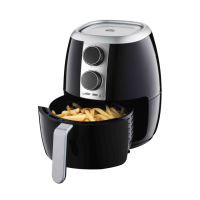
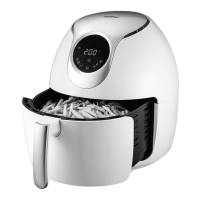
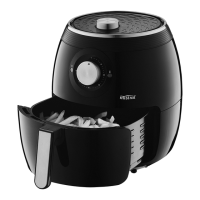
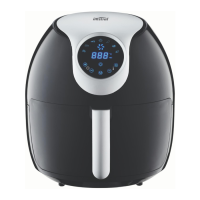
The Air fryer provides an easy and healthier way
of cooking your favorite foods, by applying rapid
air circulation from all directions additional to a
top grill and is able to cook a variety of dishes
without adding any oil or adding just a little oil
for nominated ingredients tabled further in this
booklet.
Know Your Appliance
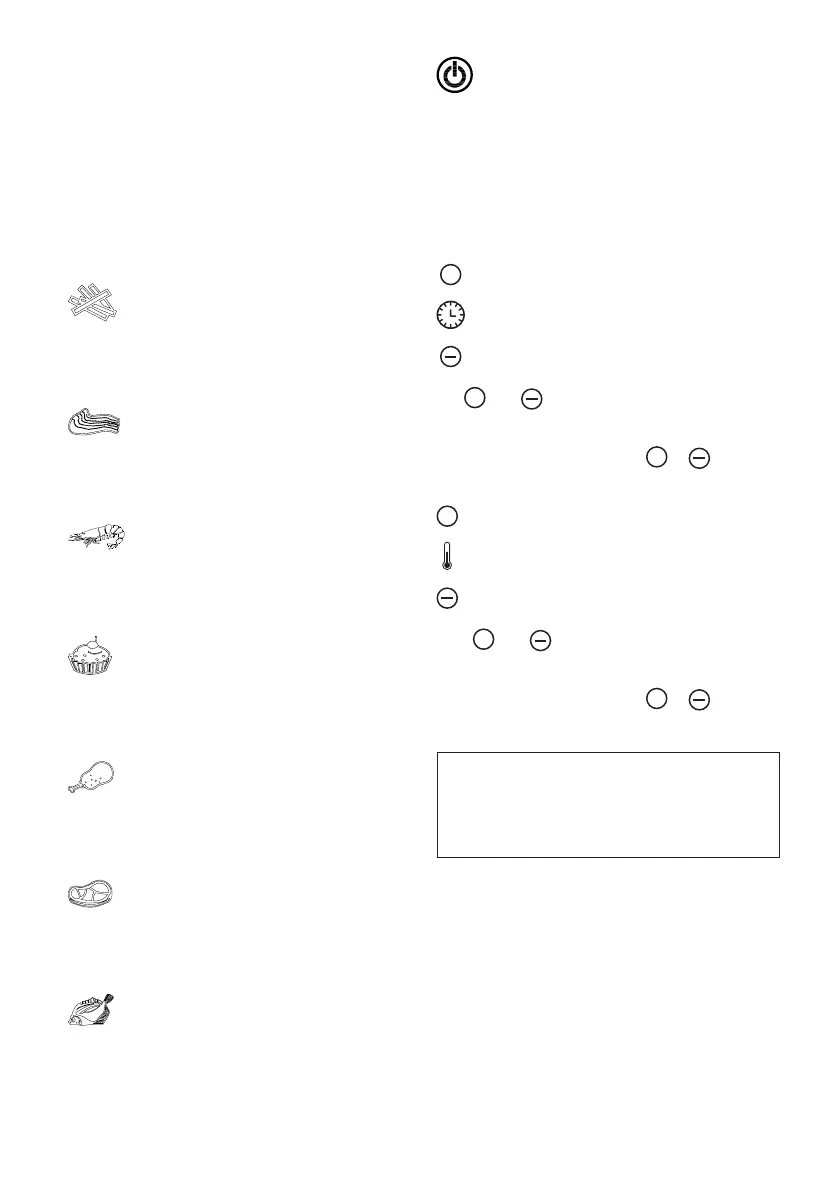
“Fries” Function key
Press this key to select and touch Power On/Off
to start cooking process.
Default temperature and cooking time is 200°C
for 25 minutes.
“Pork “ Function key
Press key to select and touch Power ON/OFF key
to start cooking process.
Default temperature & time is 200°C for 15
minutes.
“Seafood “ Function key
Press key to select and touch Power ON/OFF key
to start cooking process.
Default temperature and cooking time is 160°C
for 20 minutes.
“Baking” Function key
Press this key to select and touch Power On/Off
to start cooking process.
Default temperature and cooking time is 160°C
for 30 minutes.
“Poultry” Function key
Press this key to select and touch Power On/Off
to start cooking process.
Default temperature and cooking time is 200°C
for 25 minutes.
“Steak” Function key
Press this key to select and touch Power On/Off
to start cooking process.
Default temperature and cooking time is 200°C
for 15 minutes.
“Fish” Function key
Press this key to select and touch Power On/Off
to start cooking process.
Default temperature and cooking time is 160°C
for 25 minutes.
“Power On/Off ” Key
Press key to switch appliance On and press
again to activate selected cooking function.
Manually switch Off the appliance at any time
during the cooking process, You can manually
switch off the appliance by pressing the
Power-off key, the heating-up will stop running
immediately, and fan will automatically shut
down after approximately 20 seconds, at the
same time,you will hear 5 beep sounds.
+
“Time Control” key
Use
+
and icons to adjust the timer settings
by -/+1 minute increments (minimum of 1 minute
to a maximum of 60 minutes). For faster timer
adjustment press and hold the
+
or timer
icon.
+
“Temperature Control” key
Press
+
and icons to adjust the temperature
setting by -/+ 5ºC increments (minimum of 80ºC
to a maximum of 200ºC). For faster temperature
adjustment press and hold the
+
or
temperature icon.
NOTE: Cooking times will vary depending
on the food you wish to cook and the
individual’s personal preference. Cooking
times stated in this Instruction Manual
should only be used as a guide.


 To Next Page