Getting Started
Using the Touch Screen
To operate your device, touch the screen with your finger. You can perform the following actions:
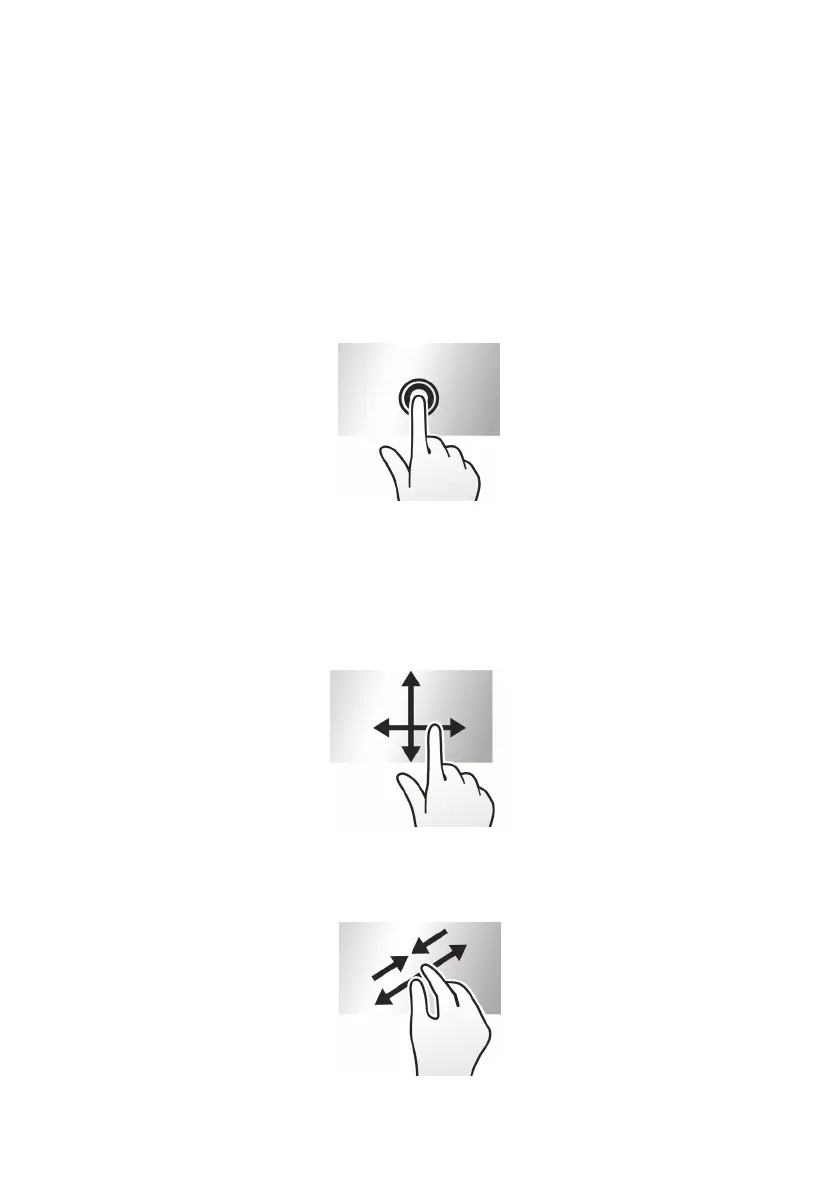
Tap: Touch the screen once with your finger to open items or select on-screen buttons or options.
Tap and hold: Tap and hold on the desired item to open the pop-up menu that contains the available
options for the ite
m
.
Drag: Tap and hold on the item and then move it to the target position without releasing your finger.
Slide/Swipe: Drag your finger vertically or horizontally across the screen.
Drag to the left/right to switch to the next/previous item on the list.
Drag to the top/bottom to scroll up/down the screen.
Not all slide gestures are applicable to all applications.
Two-finger gestures: Move your fingers apart or together on the screen to zoom in or out while
view
ing a picture or a web page.
Not all two-finger gestures are applicable to all applications.



 To Next Page