2.
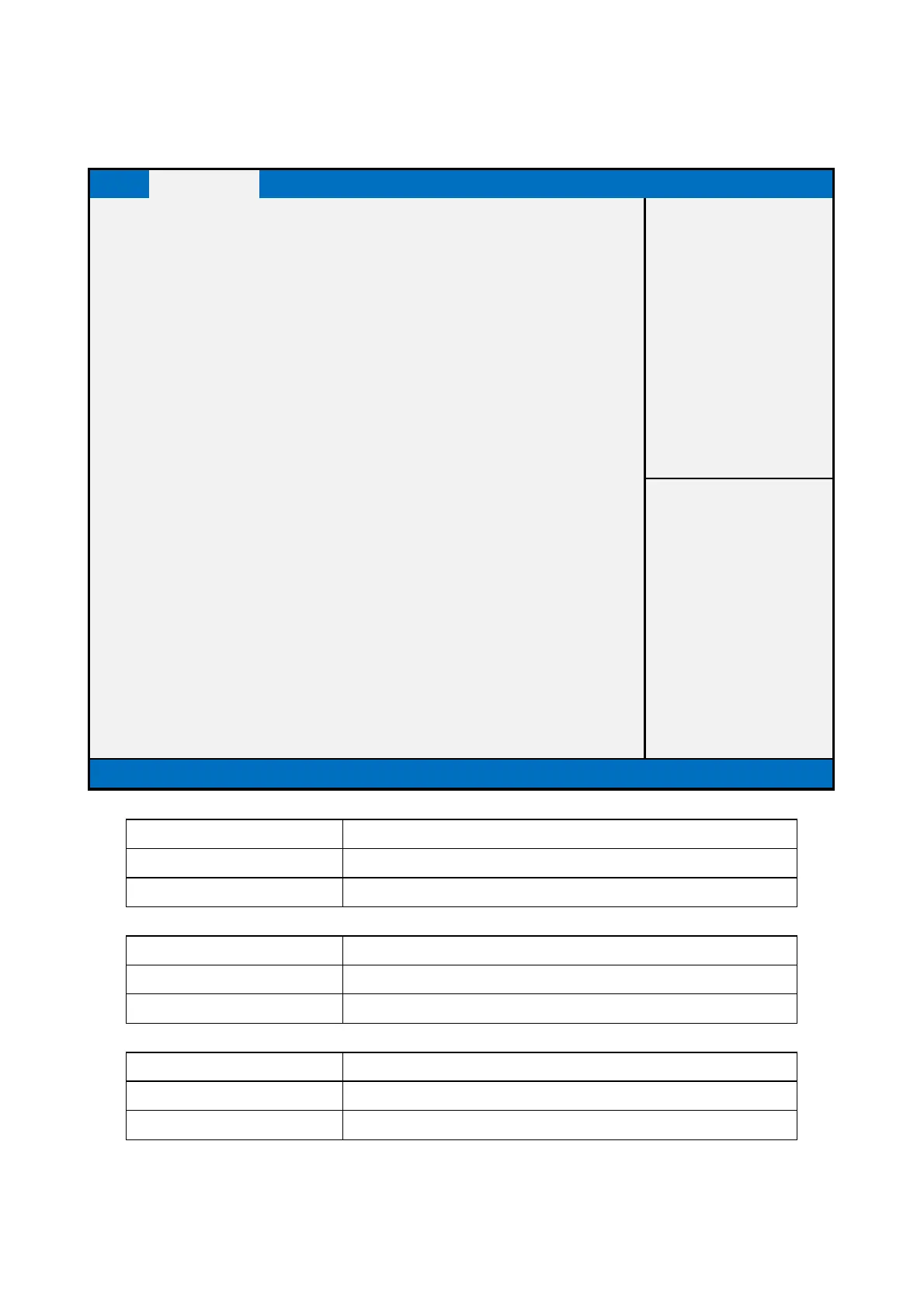
Advanced Page
Device Chipset Security Boot Save & Exit
►SMART Settings
►W83627DHG Super IO Configuration
►S5 RTC Wake Settings
►Processor Information
►PPM Configuration
►SATA Configuration
►Network Stack Configuration
►CSM Configuration
►USB Configuration
►Security Configuration
►Realtek PCIe GBE Family Controller (MAC:88:88:88:88:88:88)
►Realtek PCIe GBE Family Controller (MAC:88:88:88:88:88:87)
↑↓: Select Item
Enter: Select
Version 2.15.1236. Copyright (C) 2012 American Megatrends, Inc.
Press Enter when selected to go into the associated Sub-Menu.
W83627DHG Super IO Configuration
System Super IO Chip Parameters
Press Enter when selected to go into the associated Sub-Menu.
Enable system to wake from S5 using RTC alarm
Press Enter when selected to go into the associated Sub-Menu.


 To Next Page
 Loading...