2.2
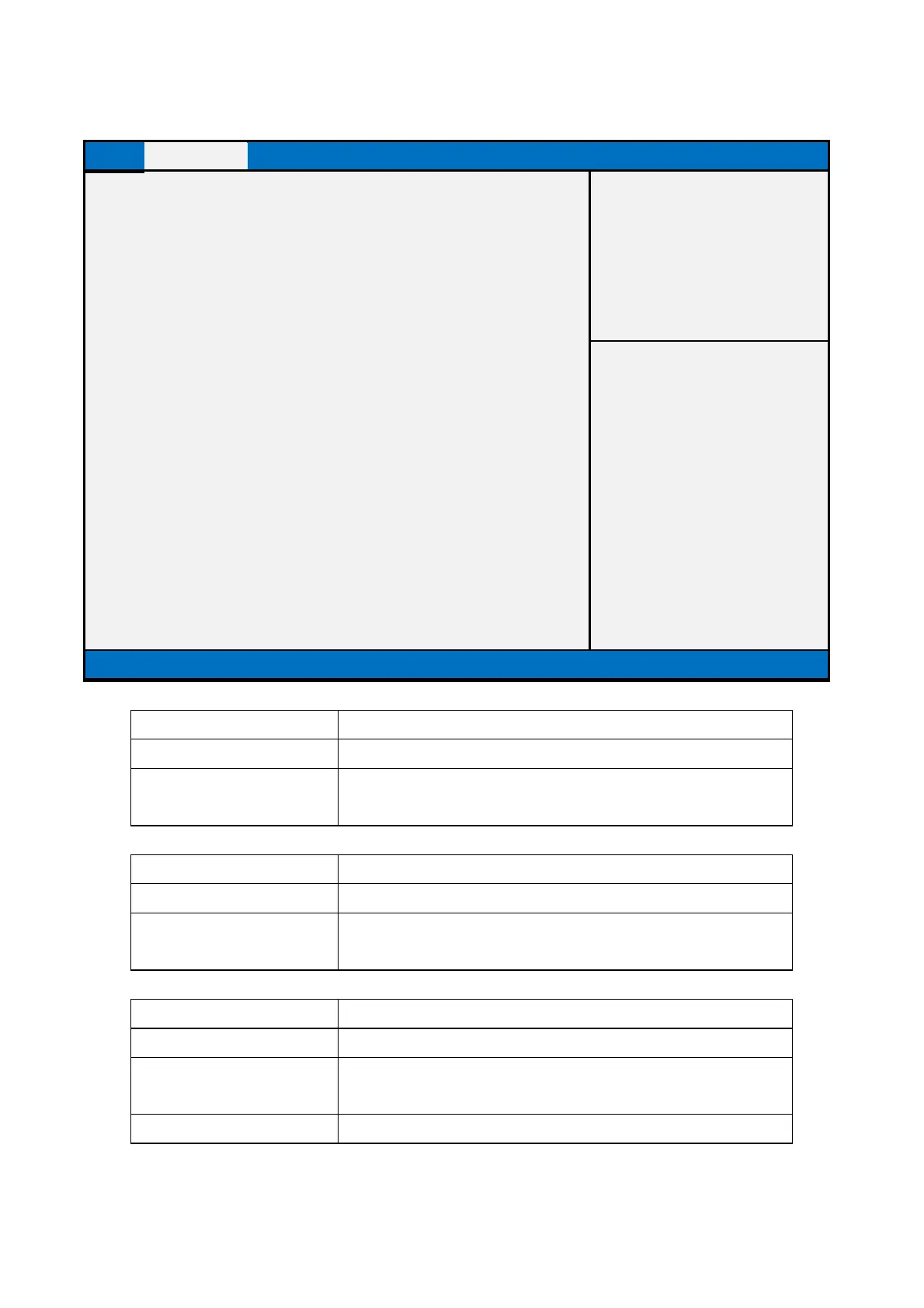
W83627DHG Super IO Configuration
Device Chipset Security Boot Save & Exit
W83627DHG Super IO Configuration
Super IO Chip W83627DHG
Serial Port 1 Configuration
Serial Port [Enabled]
Device Settings IO=xxx
Serial Port 2 Configuration
Serial Port [Enabled]
Device Settings IO=xxx
Parallel Port Configuration
Parallel Port [Enabled]
Device Settings IO=xxx
→←: Select Screen
↑↓: Select Item
Enter: Select
+/- : Change Opt
F1: General Help
F2: Previous Values
F3: Optimized Defaults
F4: Save & Reset
ESC: Exit
Version 2.15.1326. Copyright (C) 2012 American Megatrends, Inc.
Display Super IO Chip name
This field is not selectable. There is no help text associated with
itt.
Serial Port 1 Configuration
Display Serial Port 1 Configuration
This field is not selectable. There is no help text associated with
itt.
Enable or Disable Serial Port (COM)


 To Next Page
 Loading...