EasyManua.ls Logo

MiTAC Pluto E220 - Page 42

Default Icon
77 pages
Print Icon
To Next Page IconTo Next Page
To Previous Page IconTo Previous Page
Loading...
2.9
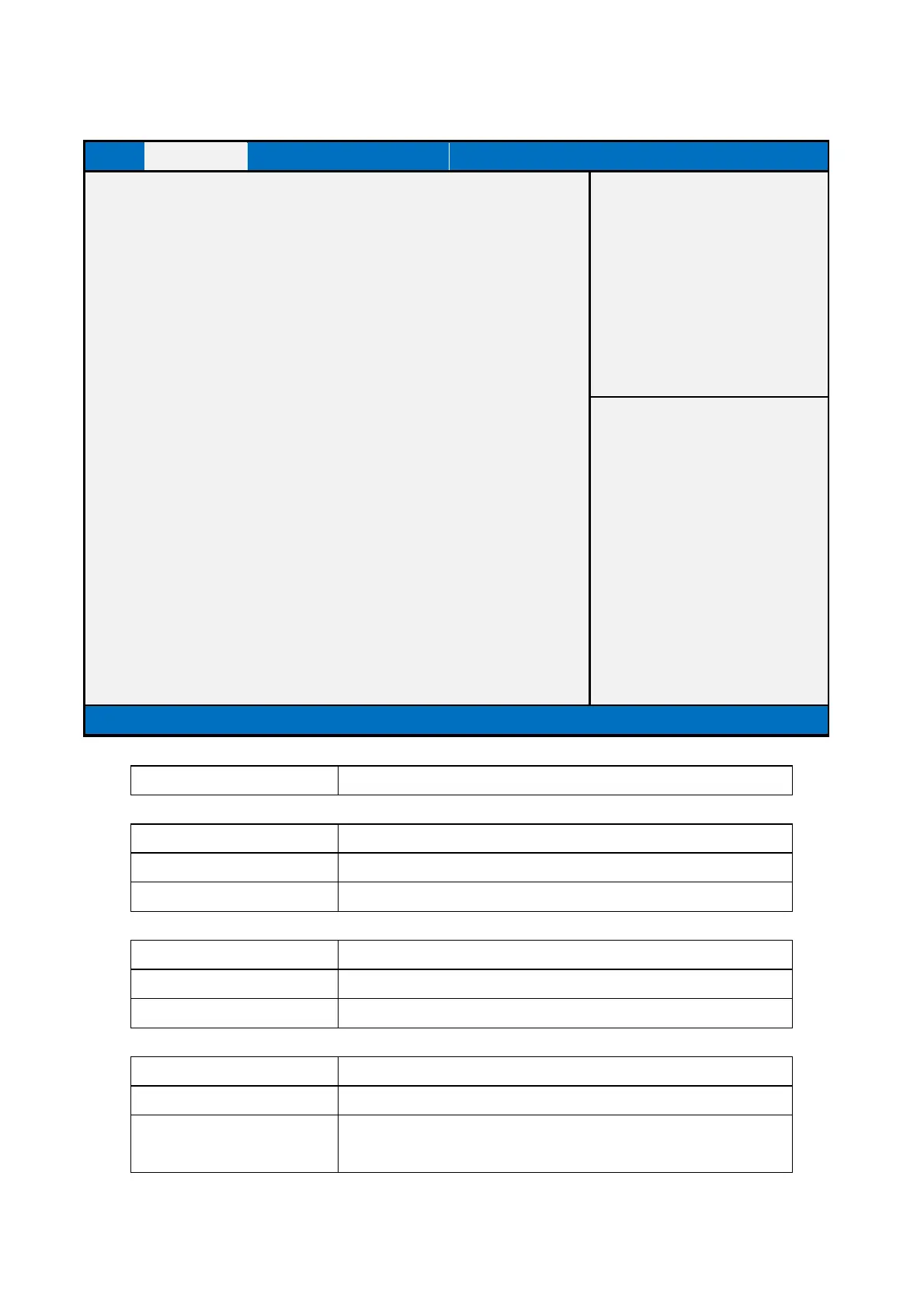
USB Configuration
Main
Advanced
Device Chipset Sec
urity Boot
Save & Exit
USB Configuration
USB Module Version
8.11.01
USB Devices:
1 Keyboard, 1 Mouse, 2 Hubs
Legacy USB Support
XHCI Hand-off
EHCI Hand-off
[Enabled]
[Enabled]
[Disabled]
Item help
→←: Select Screen
↑↓: Select Item
Enter: Select
+/- : Change Opt
F1: General Help
F2: Previous Values
F3: Optimized Defaults
F4: Save & Reset
ESC: Exit
Version 2.15.1326. Copyright (C) 2012 American Megatrends, Inc.
Field Name
USB Configuration
Field Name
USB Module Version
Default Value
USB module version
Comment
This field is not selectable. There is no help text associated with i
Field Name
USB Devices:
Default Value
Connect USB device type
Comment
This field is not selectable. There is no help text associated with i
Field Name
Legacy USB Support
Default Value
[Enabled]
Possible Value
Disabled
Enabled

Related product manuals