switched from headset to mobile or vice
versa.
NOTE FOR MULTI-PONT USE:
When the first phone is making a call, and a
call is received from the connected second
phone, press volume+ about 1.5 seconds
will answer the call in from the second
phone, and will hold the first phones call.
Pressing volume + 1.5 seconds will switch
the calling between the two phones. A short
press of the power key will end the call and
will connect to the on hold phone. (Some
phones will ask if you want to connect the
phone or not), pressing the power key
again will end the call.
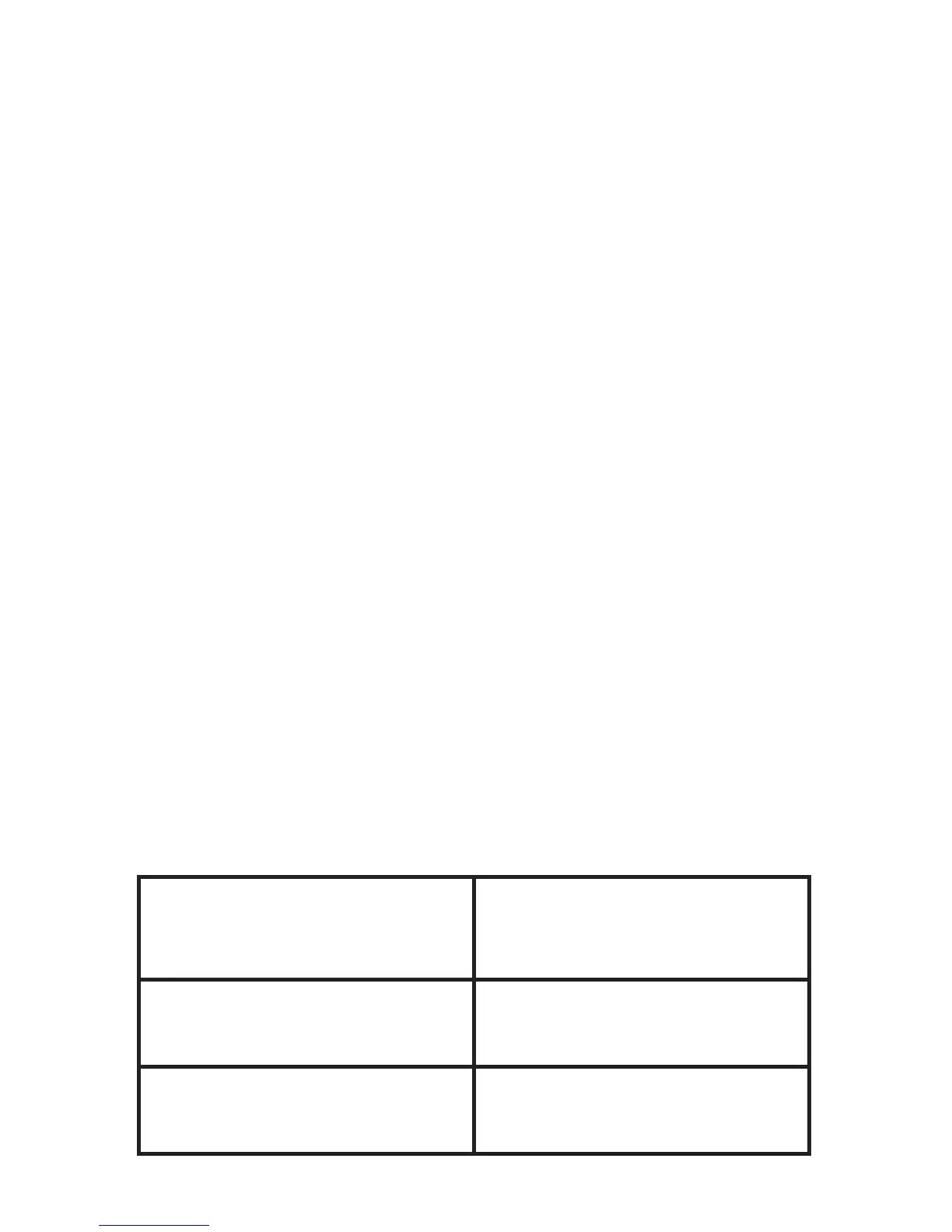
8. INDICATOR LIGHT (LED) STATUS
Headset status Indicator light
status
In idle state after paired Blue light flashes once
every 3 seconds
In-coming call Blue light flashes every
2 seconds


 To Next Page