EasyManua.ls Logo

Mitek Hornet - User Manual

Mitek Hornet
34 pages
Print Icon
To Next Page IconTo Next Page
Loading...
Operation & Maintenance Manual
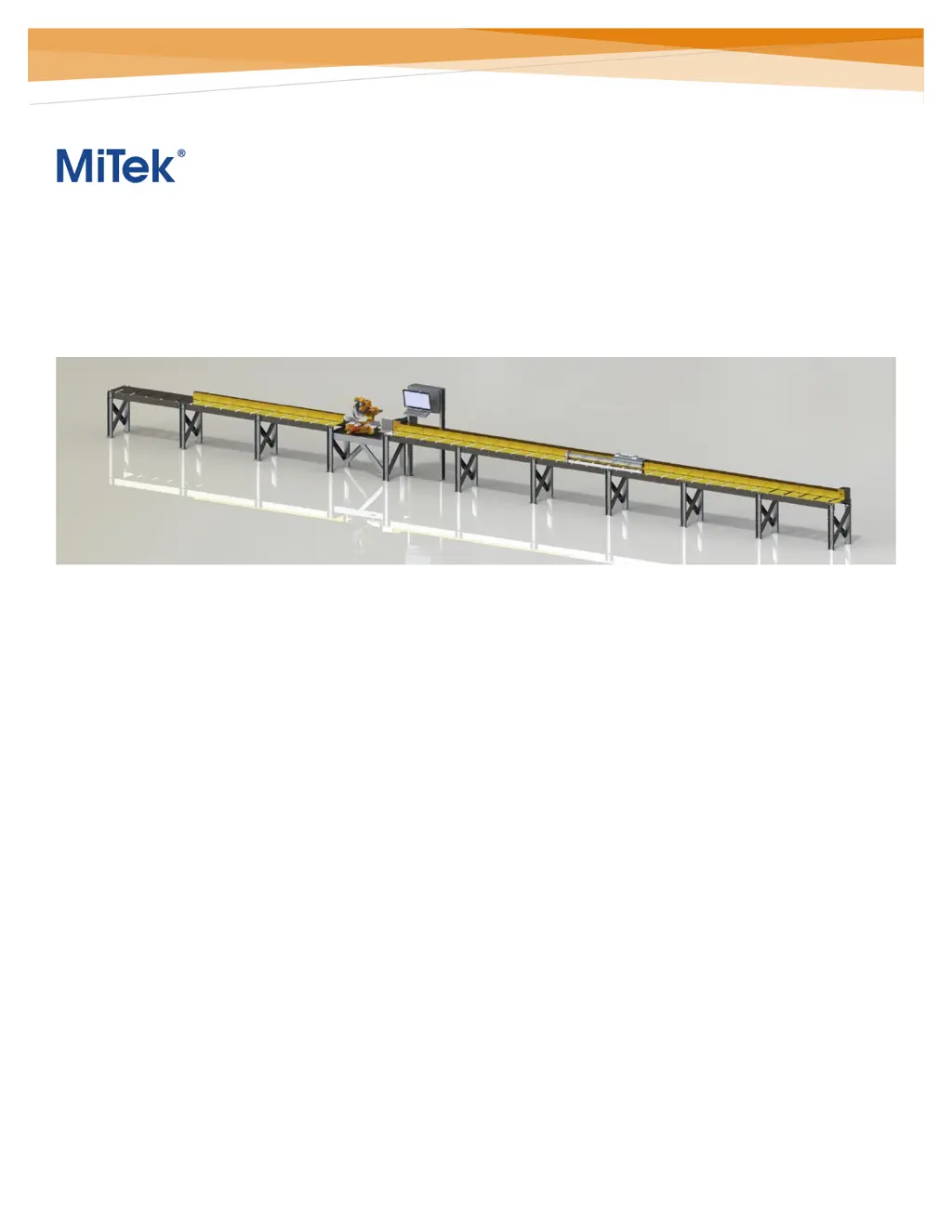
Hornet saw
Linear Cut Processing Systems
MiTek Component Automation
301 Fountain Lakes Industrial Drive
St. Charles, MO 63301
Phone: 800-523-3380
Fax: 636-328-9218
machinerysupport@mii.com
PN 001128
Creation date: 11/16/21
Created by: R. Tucker
Applies to: Gen. 1

Questions and Answers

Summary

Safety

General Safety Precautions

General safety warnings and precautions for machine operation.

Safety Features and E-Stop Button Usage

Details on safety mechanisms like E-stops, guards, alerts, and their proper usage.

System Overview

System Components and File Type Support

Lists and describes system components and supported file formats for cut sets.

Pre-Operation

Passwords and Pre-Operation Checks

Details system passwords and essential checks before starting machine operations.

Software and Motor Control Startup

Steps to boot up the computer, launch software, and energize motor controls.

Homing Procedures and Printer Prep

Steps for homing the pusher/saw angle and preparing the printer for use.

Operation

Navigating the Software Interface

Overview of the software interface layout and user navigation.

Customizing the Home Screen Panes

How to arrange and manage software display panes for user preference.

Control Buttons and Manual Mode

Explains software control buttons, optional buttons, and manual mode functions.

Cut-Set Mode and Job Management

Managing jobs, starting batches, manual entry, selecting parts/lengths, optimizing, and cut sets.

Operating Procedures and Printed Data

Steps for loading boards, cutting, and interpreting printed data on components.

System Settings Access

How to navigate to and open system configuration windows for adjustments.

Replacing the Saw Blade

Saw Blade Replacement Procedure

Detailed procedure for safely replacing the saw blade on the machine.

Preventive Maintenance

Lubrication Schedule and Procedure

Recommended lubrication points and schedule for machine components.

Belt Tensioning Instructions

Instructions for adjusting tension on the saw motor and arbor belts.

Printer Operations

Printer Cleaning and Ink Cartridge Handling

Steps for cleaning the printer, handling ink cartridges, and ordering replacements.

Replacing and Re-using Ink Cartridges

Procedures for changing ink cartridges and guidelines for re-use after operational pauses.

Troubleshooting

Go Button Missing or Not Appearing

Addresses issues with the 'Go' button not appearing and potential causes.

Mitek Hornet Specifications

General IconGeneral
BrandMitek
ModelHornet
CategorySaw
LanguageEnglish