Hotel/Motel Features ♦ 55
Changing Room Occupancy and
Condition Status
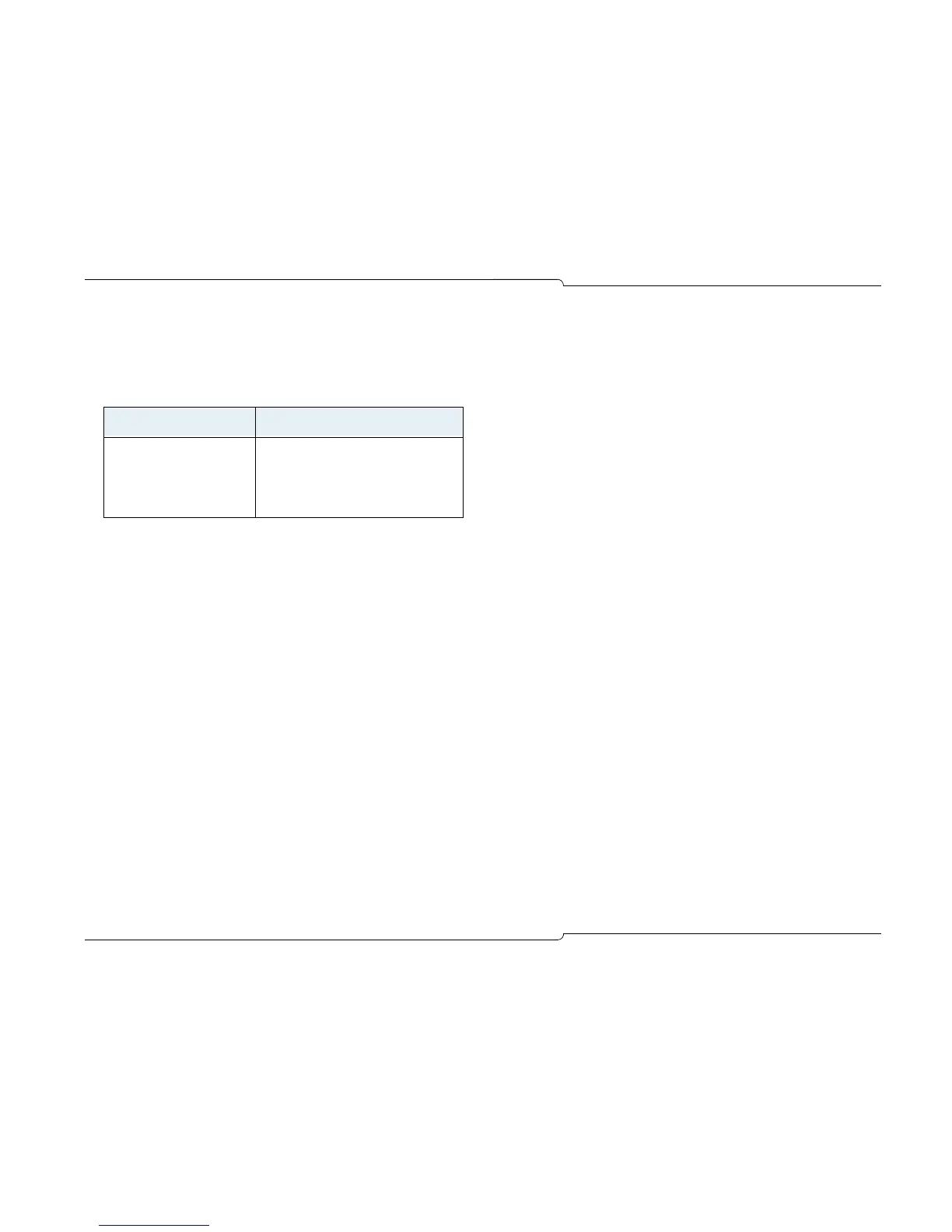
The room occupancy and condition states are as follows:
To change a room’s occupancy and condition status
1. Press Guest Service, or if you are already on a call to the room,
press the [Guest Service] softkey.
2. Enter the room extension using the computer keyboard (not nec-
essary if you are already on a call to the room).
3. Press [Search].
4. Select the desired states from the Occupancy and Condition
lists.
5. Press [Save] to save the changes.
Note: Depending on system programming, all ‘occupied and clean’
rooms may automatically change to ‘occupied and not clean’ at a
specified time each day.
Checking-In/Checking-Out
Checking in a guest changes the status of a room to Occupied;
checking out changes the room to Vacant. Both check-in and check-
out clear the guest name, affiliation and wake-up time (if set). The
Call Block and Call Restriction settings for the room are also reset to
values specified by system programming.
To check in or check out a guest
1. Press Guest Service, or if you are already on a call to the room,
press the [Guest Service] softkey.
2. Enter the room extension using the computer keyboard (not nec-
essary if you are already on a call to the room).
3. Press [Check-In] or [Check-Out].
4. Press [Save] to save the changes.
To cancel changes you made and return to the previous screen,
press [Previous].
Setting and Clearing Wake-up Calls
Both you and the guest can set, change, and cancel wake-up calls
for a guestroom. The system does not distinguish whether a wake-
up call is set, changed, or canceled from the console or guestroom
telephone. So, for example, a guest can cancel a wake-up call that
you set and vice-versa.
Wake-up calls can be set to occur up to three times a day with or
without daily repetition. For each wake-up, you can specify whether
the call is made by the system (an Automatic wake-up) or the
attendant or other hotel employee (a Personal wake-up).
Occupancy Condition
Vacant
Occupied
Reserved
Clean
Not Clean
Maid Present (see note)
To Be Inspected
Out of Service
Note: The Maid status can also be changed from the room by
dialing a code.


 To Next Page