17
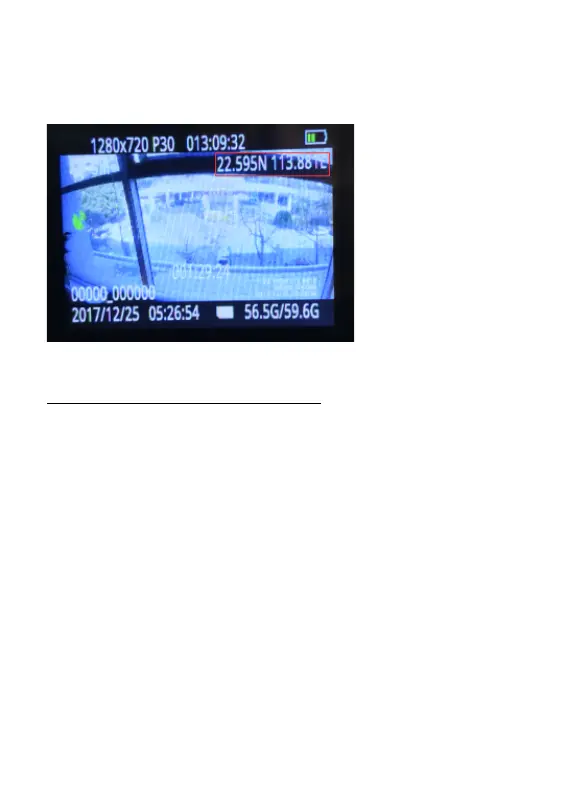
There will be GPS coordinate (longitude and latitude) showing up in the
upper right corner of LCD screen when GPS signal is received.
You can download the GPS player here :
http://www.miuflybodycamera.com
(
On the FAQ&Support
page
)
4.17 VOICE CONTROL YOUR CAMERA
In standby mode, you can directly start video recording, audio recording,
and photo taking functions through voice control. Say "Miufly" and the
camera will vibrate to indicate that the voice control function has been
activated. Then say the command to start recording. The voice control
commands are as follows.
Say “Miufly , take video” to start video recording.
Say “Miufly , take audio” to start audio recording.


 To Next Page